14 Best Antivirus with Low RAM/CPU Usage
There are some very good antivirus programs that require little resources, lead to low CPU usage, and don’t slow down the speed of your PC.
Table of contents
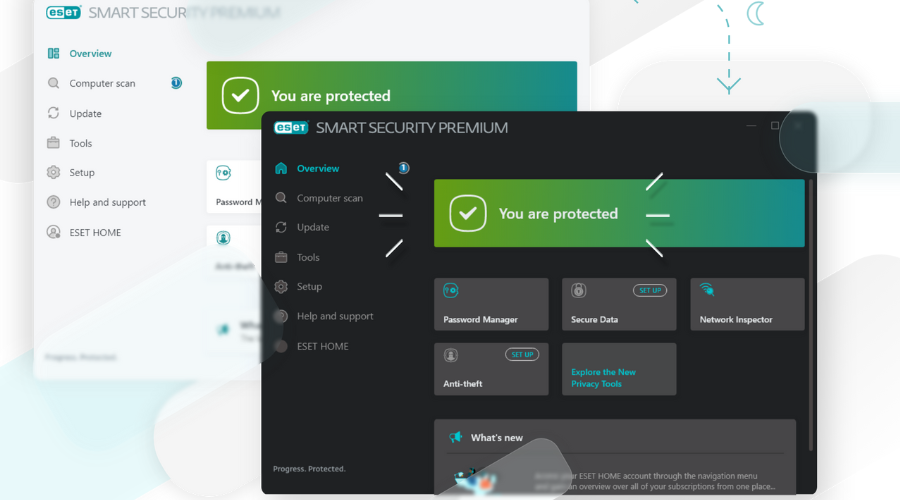
ESET HOME Security Essential provides all-around protection against spyware, viruses, worms, adware, and rootkits.
Another valuable functionality is the SysInspector diagnostic tool that captures a snapshot of system changes in order to track system changes and for tech support purposes.
Some of the main key features of ESET are:
- Advanced protection against new threats
- Password manager included
- Military-grade encryption for sensitive data
- Webcam protection
- Ransomware shield
- Parental control features
ESET Home Security Essential
Protect your PC with low CPU usage. Explore ESET today!
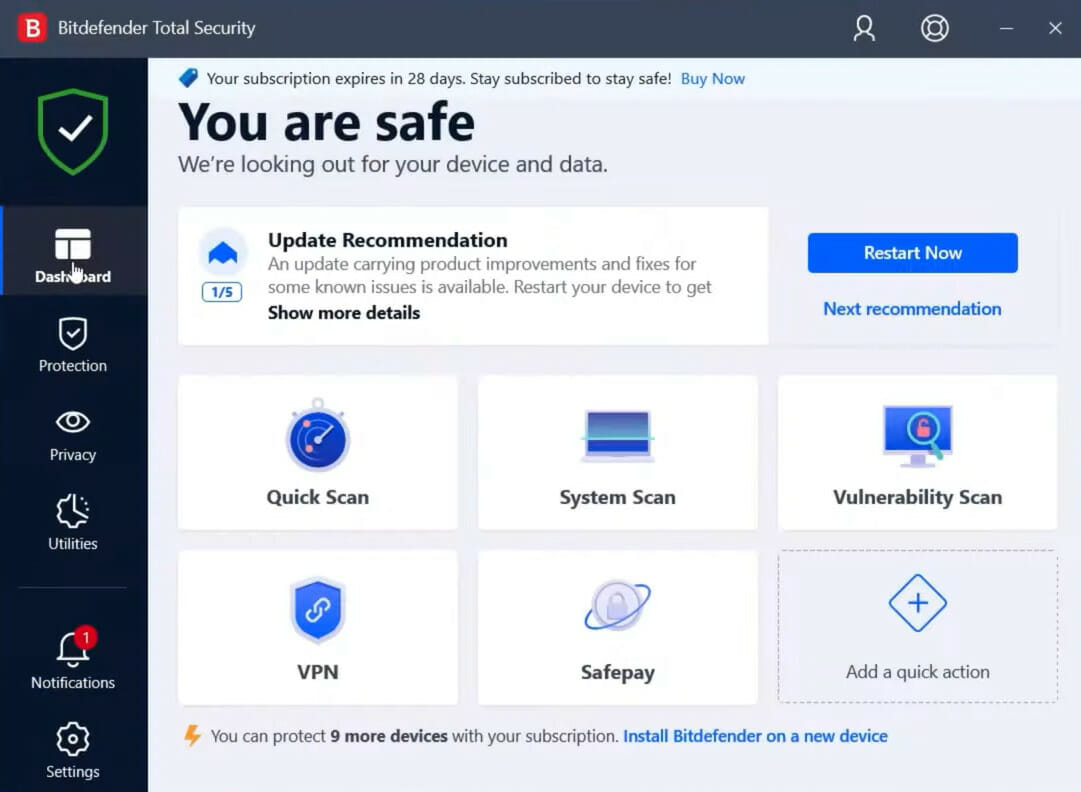
The big advantage of Bitdefender is its use of system resources. After the antivirus is fully integrated into your system, you won’t notice much of a change in system performance.
If system resources are not an issue, running a System Scan in high-priority mode may be a useful option for scanning the PC. By conforming to this requirement, the antivirus will allocate equal system resources rather than competing with other programs directly.
Here are the best features of Bitdefender:
- Improved PC vulnerability assessment
- Real-time system shield
- Cyber threats prevention
- Web-filtering technologies
- Autopilot security advisor
- OneClick optimizer tool

Bitdefender Total Security
Fortify your defenses without lifting a finger. Get Bitdefender today.
TotalAV – Enhanced PC security and maintenance
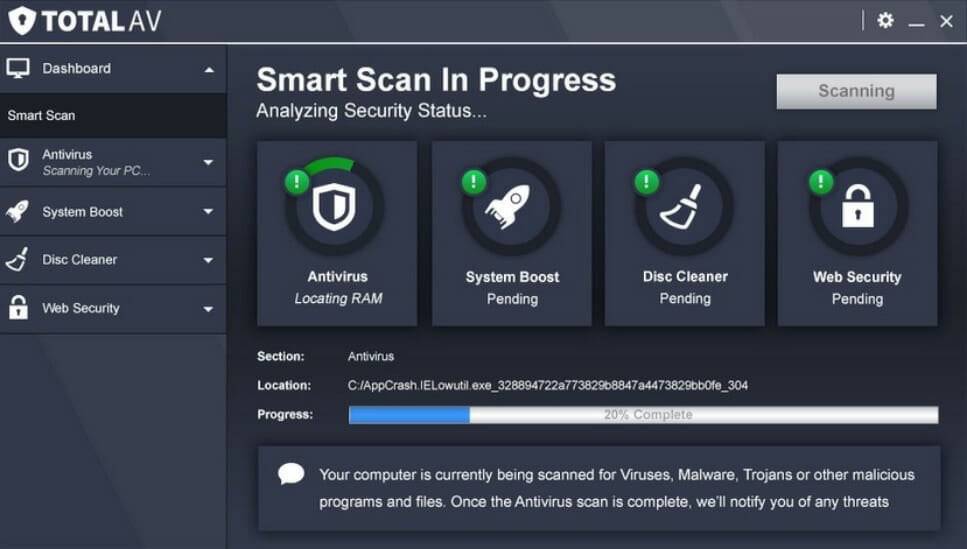
TotalAV is one of the best antiviruses with a low system footprint. Its security features are focused on preventing cyber threats in real-time.
The ransomware, malware, or phishing attempts are blocked right on the spot and entirely removed from your PC.
Here are some perks of using TotalAV:
- Potentially unwanted application protection
- Zero Day Cloud scanning
- System tune-up tools and disk cleaner
- Browser manager and cleaner
- Password Vault
- VPN for safe browsing
TotalAV
This antivirus tool will run in the background, making sure that your PC is constantly protected without slowing it down.
Kaspersky Standard – Great data encryption

Kaspersky Standard has great features and does not slow down your laptop or desktop, nor is it memory hungry, with a low CPU and resource usage.
For laptops, the security tool includes the option to deactivate scheduled processes when on battery power, and to enable balance protection on startup.
Kaspersky Standard
With few resources, it provides complete protection against information security risks, network and phishing attacks, and spam.
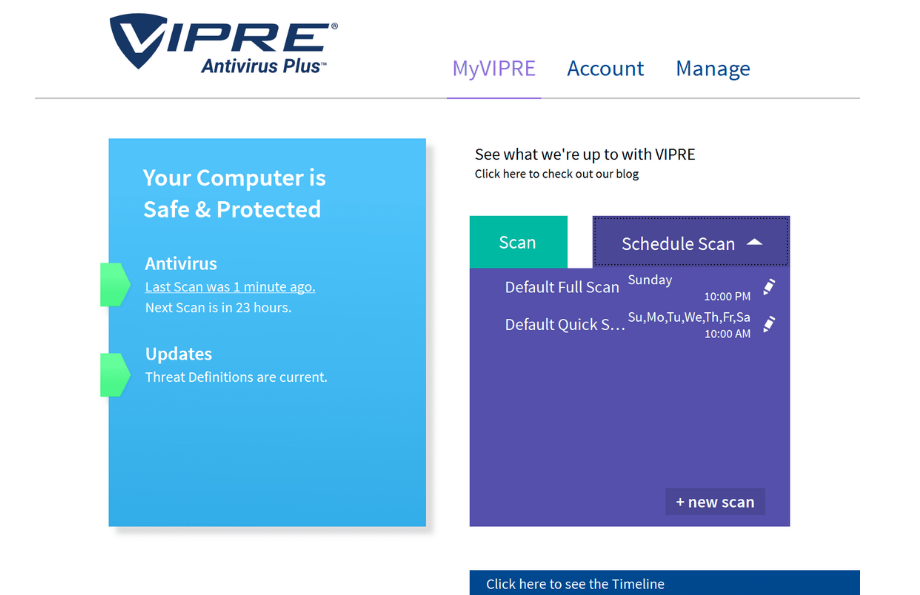
The VIPRE Antivirus Plus tool uses very few resources and offers maximum protection against ransomware and other emerging threats, viruses, Trojans, and more.
It’s easy to use, and quickly selects or schedules scans, it checks for current definition updates and customizes how patches are applied.
Here are the key features of VIPRE Antivirus Plus:
- Real-time Protection
- Anti-tracking
- Ransomware Protection
- Unlimited VPN for All Devices
- Automatic Updates

VIPRE Antivirus Plus
VIPRE Antivirus Plus helps you to provide total protection for your PC against malware threats with few resources.
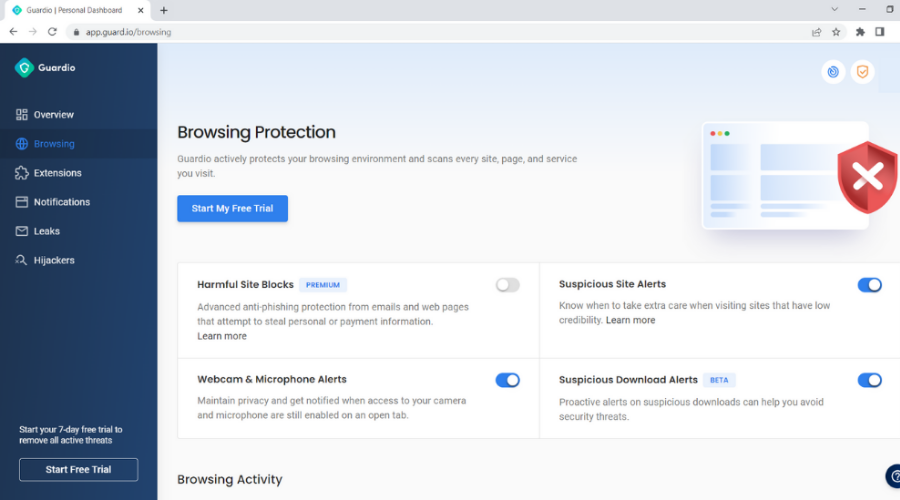
Guard.io isn’t your mainstream antivirus. It comes as a lightweight browser extension with the same capabilities as a normal antivirus. It focuses on everything you do on the web.
The security methods include using deep learning models to protect your browsing session in advance, so it can prevent attacks even before reaching you without compromising privacy, bandwidth or security.
Using Guard.io offer the benefits of:
- Machine Learning, Big Data, and Cloud Infrastructure for state-of-the-art protection
- Minimal impact on your system’s resources with full antivirus effectiveness
- Total ecosystem coverage for full browser protection
- Smart detection of suspicious sites from visual elements using client-sided deep learning models

Guard.io
Smart protection, zero interruptions. Try Guardio for safer browsing.
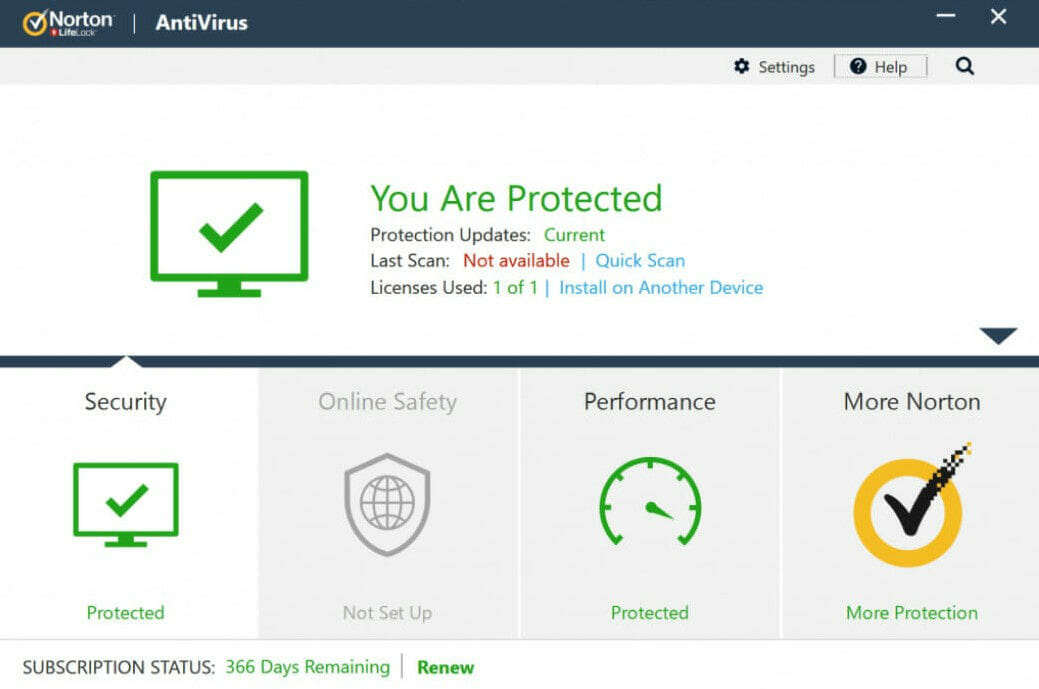
Norton’s Performance Monitoring tool closely monitors your computer and informs you when there is an unusually high amount of CPU or resource usage.
If you’re seeking a solution to a specific problem, suspect that your computer is being illegally watched, or have keyloggers installed, this functionality is quite useful.
It is not unusual for Norton to use resources while background programs are running.
As for the full scans, if you have them configured to run only when the system is idle if you never leave the system inactive long enough, Norton will ultimately take over and execute the scan anyhow.

Norton Antivirus
When a virus, worm, or other potentially harmful software is found, it promptly isolates it and notifies you.
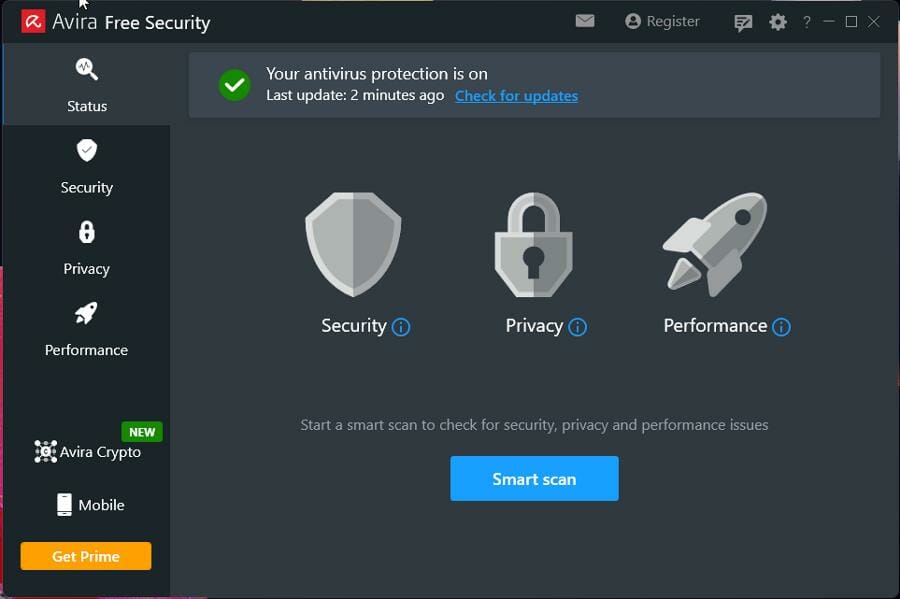
Avira is a free antivirus solution for Windows computers. It protects you from major threats with little use of system resources.
Besides being a reliable and comprehensive cybersecurity app, it protects your privacy thanks to its free VPN. Additionally, it has a tool to help you clean your PC.
Furthermore, you can use the Password Manager tool to easily secure your online accounts with strong, unique passwords you don’t need to remember.
Some important features:
- Free VPN included
- Speed booster to improve your PC performance
- Identity protection
- Anti-Scam protection tool

Avira Free Antivirus
Shield your PC for free and power up your performance with Avira.
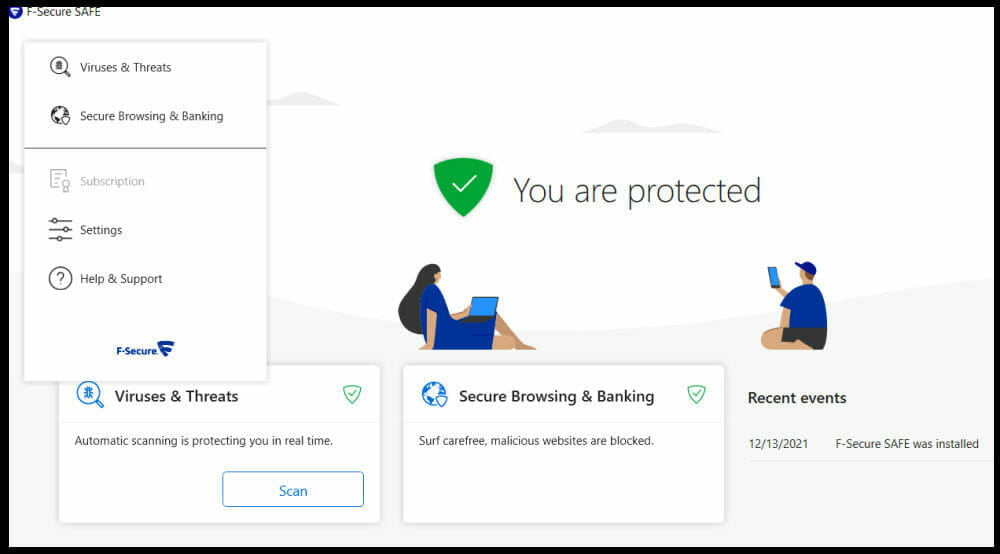
F-Secure SAFE is the best for browser protection and also has one of the best antivirus software for Windows. This security software utilizes only a small part of your computer’s resources.
In addition, it can protect your devices from ransomware, Trojans, and viruses and keeps all your banking connection secured.
Other features are:
- Instant notification immediately viruses are detected
- Device finder to locate, lock or erase the missing device
- It effectively manages users and devices
F- Secure
From ransomware to viruses – F-Secure handles it all.
Panda Dome – Great low-resource antivirus
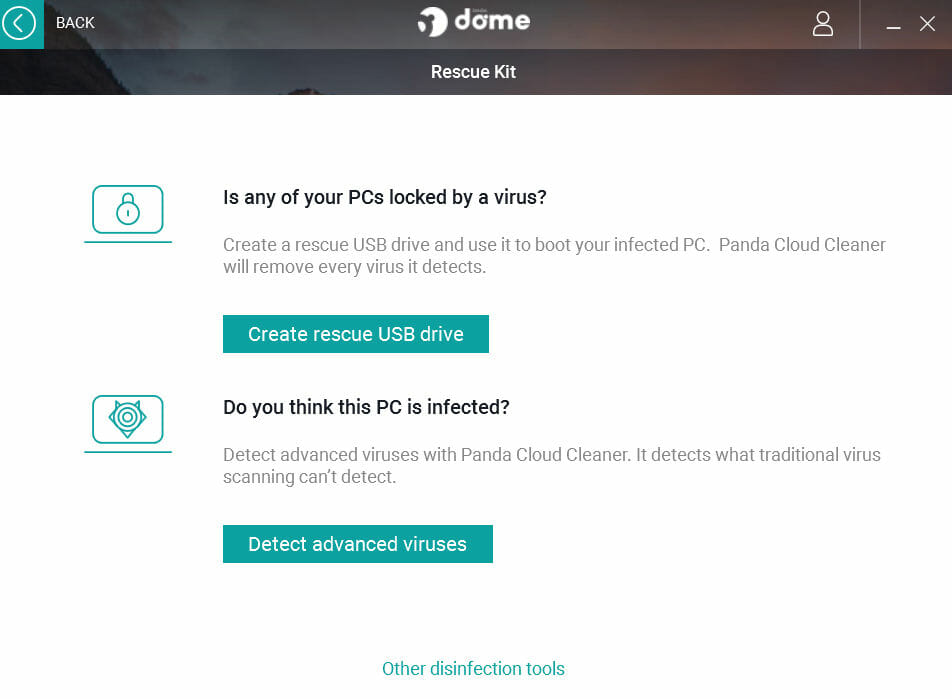
The Panda Dome antivirus software is compatible with Windows OS and is, again, a low-resource antivirus.
Panda utilizes cloud processing to protect PC thereby removing the need for heavy software updates and demanding scans.
The AV-Test records offered Panda a 98% score for zero-day attacks and 100% for established threats.
Other extensive features are:
- A process monitor allows you to see active processes and if they are using a secure connection
- It also contains a handy vaccination tool that checks attached USB drives for malicious software
- If PCs get locked by a malicious program, Panda can immediately create an emergency rescue USB drive that enables you to scan the affected machine

Panda Dome
Stay light, stay protected – Panda Dome delivers effortless security.
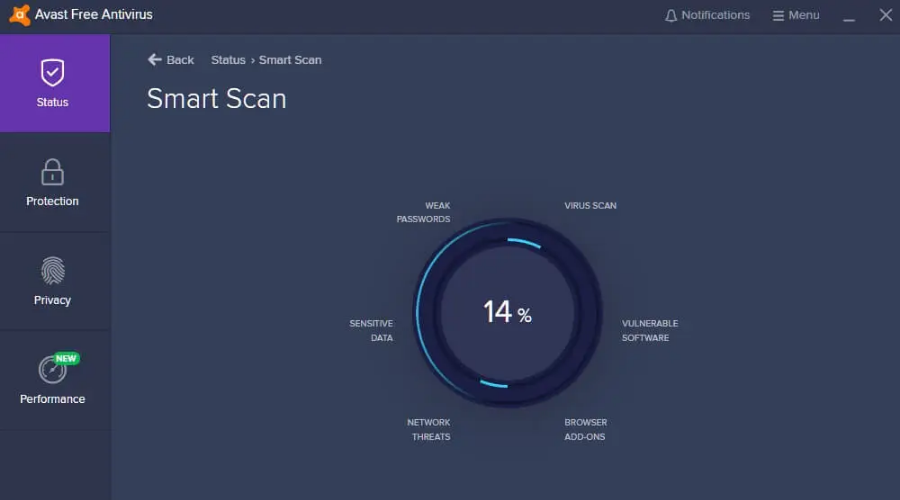
Avast Free Antivirus is another antivirus with low resource utilization. This antivirus software is very good for your PC and other devices. In addition, it is free antivirus software.
This antivirus removes all sorts of viruses and other malware. In order to achieve maximum security, Avast Free Antivirus will also analyze unknown files in order to prevent malware infection.
Key features include:
- Do Not Disturb Mode for gaming
- Behavior Shield keeps an eye on your software to make sure they don’t suddenly change
- Lightweight antivirus
- Protects your home network against intruders

Avast Free Antivirus
Big protection in a lightweight package. Avast it now!
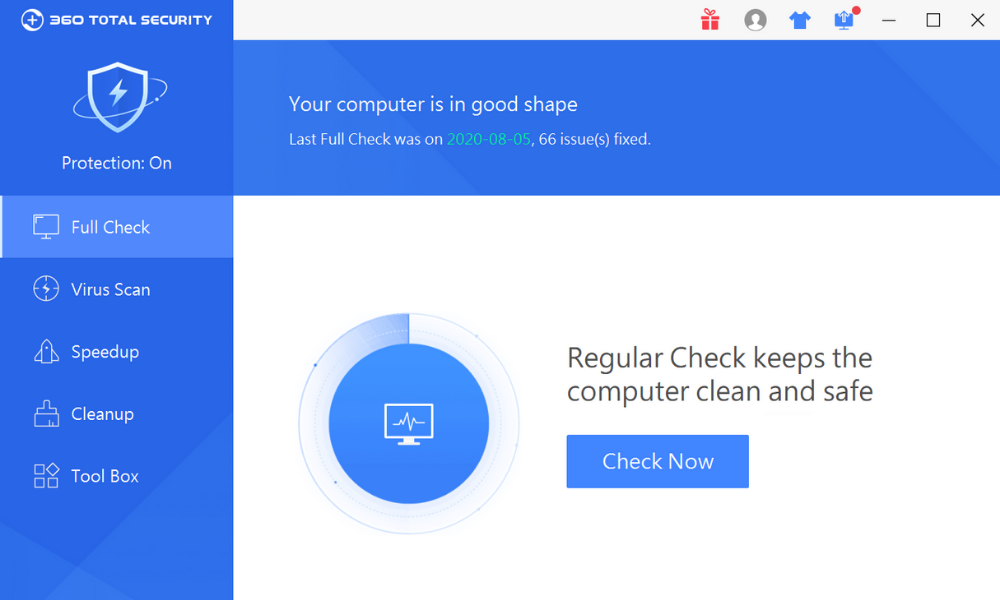
360 Total Security is an ideal antivirus for low-resource devices and well as for older systems running on Windows OS, Vista, 7, 8, and 8.1, 10.
It makes use of several engines to provide the best protection against Trojans, viruses, and rootkits.
Key features include:
- Comes with four predefined settings: performance, security, balanced, and custom.
- The interface is simple and easy to use.
- It offers protection for three main sections: Internet browsing, privacy, and system vulnerabilities.
- It scans multiple potentially vulnerable areas such as the main applications, system settings, the running processes, the startup items, and the system’s critical files.
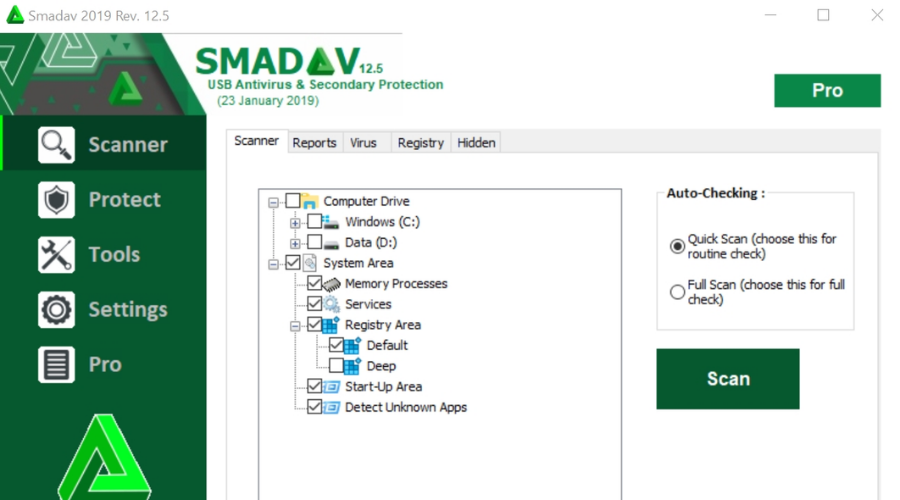
This Indonesian antivirus security software is good for slow computers and is compatible with Windows OS. It is a low-resource antivirus.
Smadav uses only a small part of your computer’s resources. This software offers additional Protection for your PC and is compatible with other antivirus products.
The main features include:
- Detecting and cleaning viruses, thereby improving security on your PC
- Protection for USB Flashdisk
- Cleaning the USB Flashdisk, and restoring the infected files in the USB Flashdisk
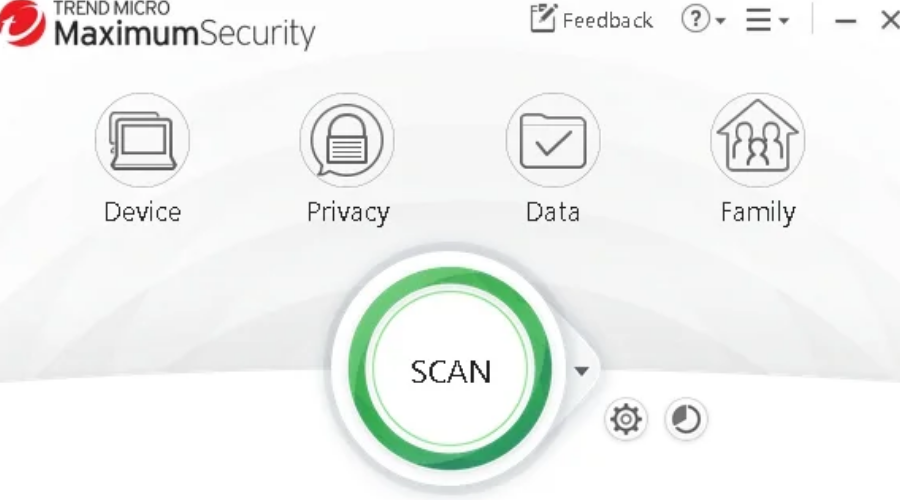
Trend Micro Maximum Security provides dependable malware protection against both known and undiscovered threats.
It expressly guards against various types of ransomware, which is a major worry right now. At regular intervals, Trojans and viruses are prevented. It has spam filtering and detects dangerous URLs in browsers, so you may navigate securely and protected.
Overall, it is a solid anti-virus solution with a few small flaws. Having said that, the resource utilization might be a little high at times, but it can be changed in the settings.
⇒ Get Trend Micro Maximum Security
Antivirus resource usage test results

NOTE
This table contains the smallest rates registered. As you probably know, these numbers oscillate as the process progresses. Some antiviruses used up a little more resources for the first 1-2 minutes of the scan, and then they became more stable and dropped to the rates presented above.
We must also mention that ESET HOME Security Essential does not have an inbuilt quick scan option, but we used the Custom scan to create a profile that uses similar parameters as quick scan options in other antiviruses. It scanned the Operating Memory, Boost Sectors, System Registry, and the WMI Database.
Modern-day antiviruses have plenty of security features to make sure your machine stays protected at all costs. It is subsequently essential that these features don’t impact your PC’s performance.
A good security utility should be able to offer real-time protection without interfering with your system. For this reason, a tiny antivirus with a small file is recommended if you want to secure even low-end PCs that don’t have many resources, to begin with.
It is important to test out your antivirus and make sure that it is the best choice for you. When it comes to performance and system resource usage, the most important assets to look for are:
If you want to discover more software to protect your devices, check our guide including the best lifetime license antivirus tools.
Which one do you prefer? Tell us in the comments section below.