KB5070316 Released With Key Fixes for File Explorer, Search, Windows Hello & More

2 min. read

EEST

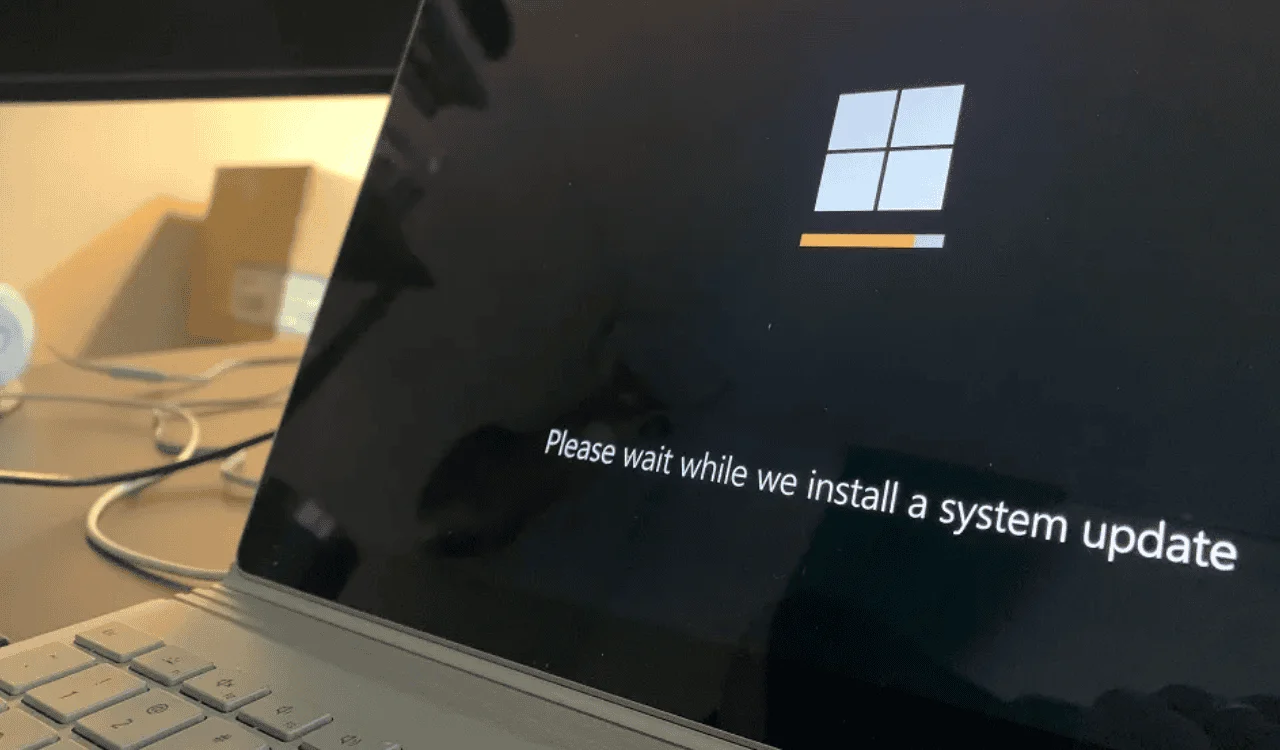
Microsoft has dropped Windows 11 Insider Preview Build 26220.7344 (KB5070316) to the Dev & Beta Channels of the version 25H2. Besides introducing improvements related to Quick Machine Recovery, Update Orchestration Platform (UOP), and more, this build comes with a bunch of fixes for issues that were reported in previous builds.
Check out the full changelog for fixes below:
Fixes gradually being rolled out with toggle on*
[Search]
- Fixed a recent issue which could caused the search window to unexpectedly start floating above the taskbar.
[File Explorer]
- If there are no available or enabled AI Actions, this section will no longer show in the context menu.
- Fixed an issue where File Explorer might not search certain SMB shares after the latest updates.
[Windows Hello]
- Fixed an issue resulting in fingerprint recognition not working for some Insiders after the latest flights.
[Display and Graphics]
- Fixed an issue which could cause the Project pane to not appear after pressing WIN + P.
[Xbox full screen experience for PC]
- For Insiders with the new Xbox full screen experience for PC, the virtual keyboard should now show properly when needed for controller users on devices without a touch screen.
[Other]
- Fixed an issue in the previous flight which was leading to some Insiders seeing a bugcheck with error DRIVER_IRQL_NOT_LESS_OR_EQUAL when using a controller.
- Fixed an underlying issue that could lead to your PC freezing where attempting to run Windows Terminal elevated from a non-admin account.
You can learn more about new features here.


Readers help support Windows Report. We may get a commission if you buy through our links.

Read our disclosure page to find out how can you help Windows Report sustain the editorial team. Read more