Announcing new builds for 22 May 2026
Hello Windows Insiders,
Today, we continue to expand the rollout of the new Windows Insider Program changes to devices in channels already announced. As a reminder, we have not yet begun moving devices in the Canary 29500 Series Channel to the new WIP experience.
New builds this week
Today we are releasing new Windows 11 Insider Preview Builds. As a reminder, all Insiders can find the release notes for your device based on the new channel system, even if you haven’t moved yet. This is to make finding build information as easy as possible during the transition. See your channel release notes here:
For those on other specific build versions, here are today’s new builds and release notes:
As a reminder, you can always find your build number in the watermark on bottom right-hand corner of your desktop.
Notable new features:
[Accessibility – screen tint]
Release channel: Experimental
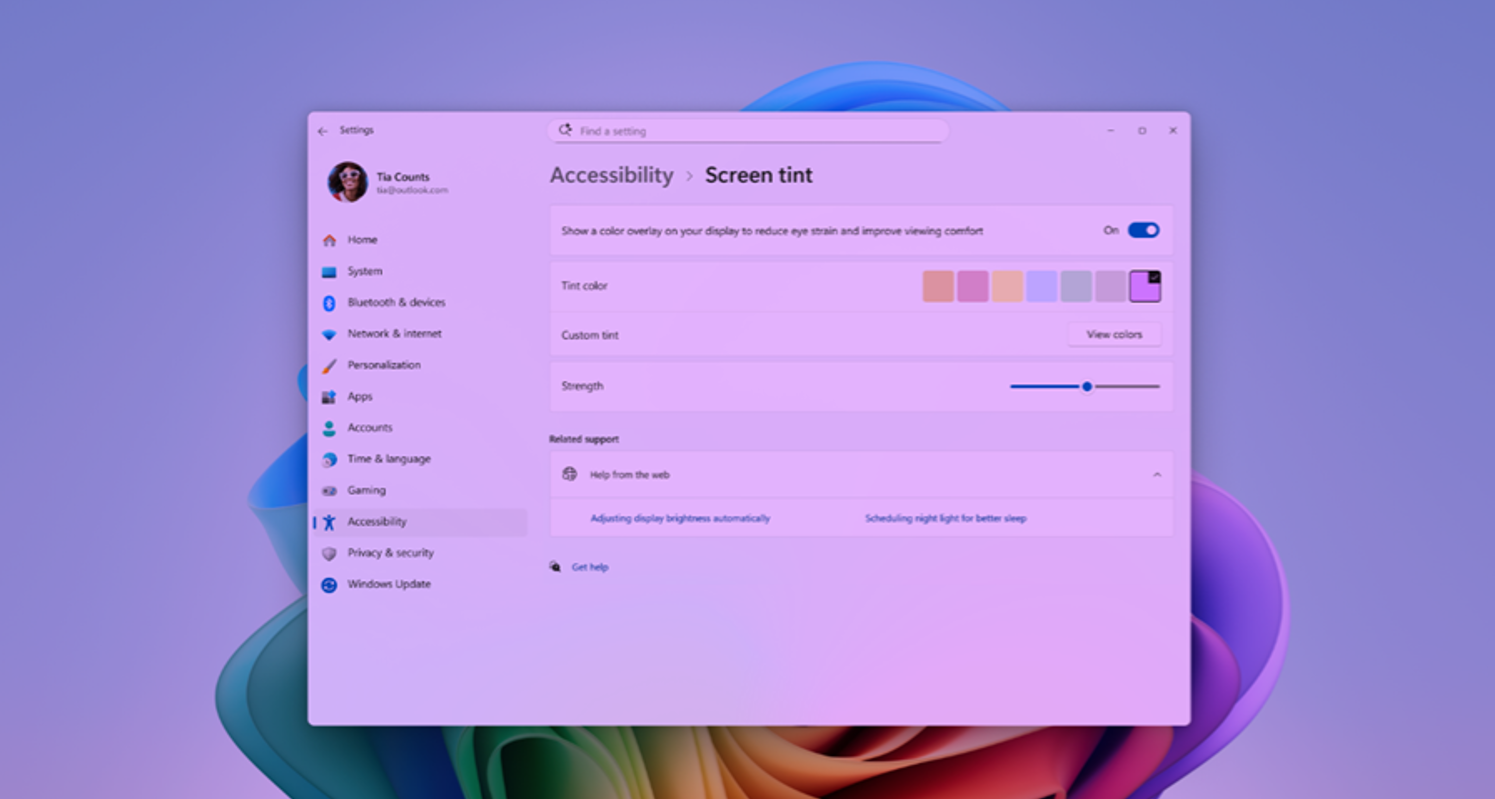
New Accessibility setting – screen tint
We’re introducing screen tint, a new accessibility setting that applies a color overlay across your entire display, softening its intensity so it’s easier on your eyes throughout the day. If bright, saturated screens leave you with tired or sensitive eyes by the end of a long session, screen tint can help.
See release notes for more details on how to get started and provide feedback
[Narrator]
Release channel: Experimental
Braille displays now connect instantly with Narrator
We are making refreshable braille displays easier to use in Windows. Narrator now supports displays that use the HID standard — an open industry standard for braille displays. If your display supports HID, simply connect it via USB and start reading — true plug-and-play with no additional setup required. For Bluetooth, pair your HID braille display in Settings > Bluetooth & devices just like any other accessory, and you can work wirelessly without being tethered to your PC.
[Voice Isolation in Voice Access]
Release channel: Experimental
We’re introducing Voice Isolation, a new option in Voice Access that helps it focus on your voice, even when others are speaking nearby. Whether you’re in a shared office, an open floor plan, or at home with family around, Voice Isolation filters out other voices and background noise so Voice Access can better understand you. All processing happens privately on your device.
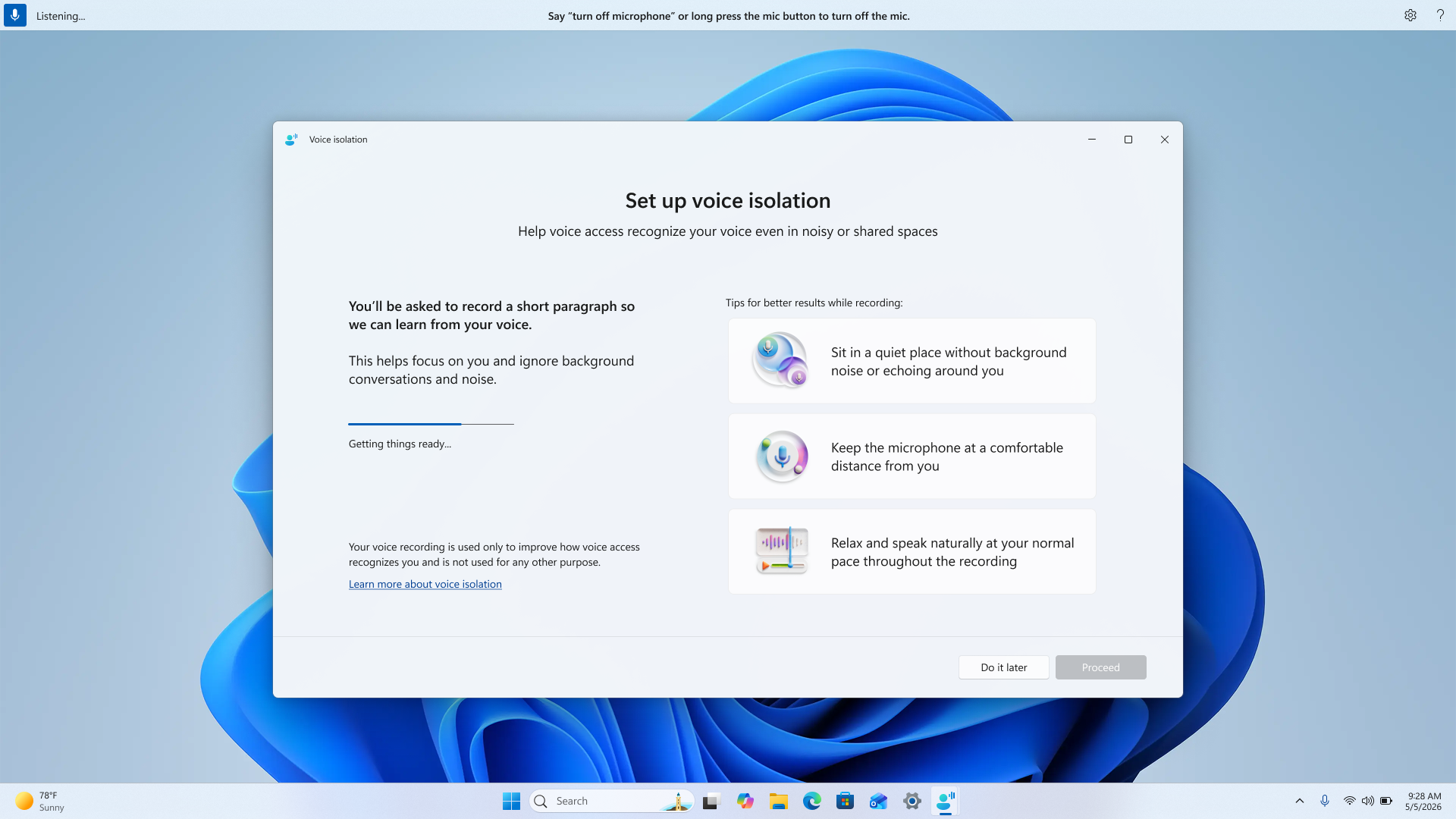
See release notes for more details on how to get started.
Thanks,
Stephen and the Windows Insider Program team