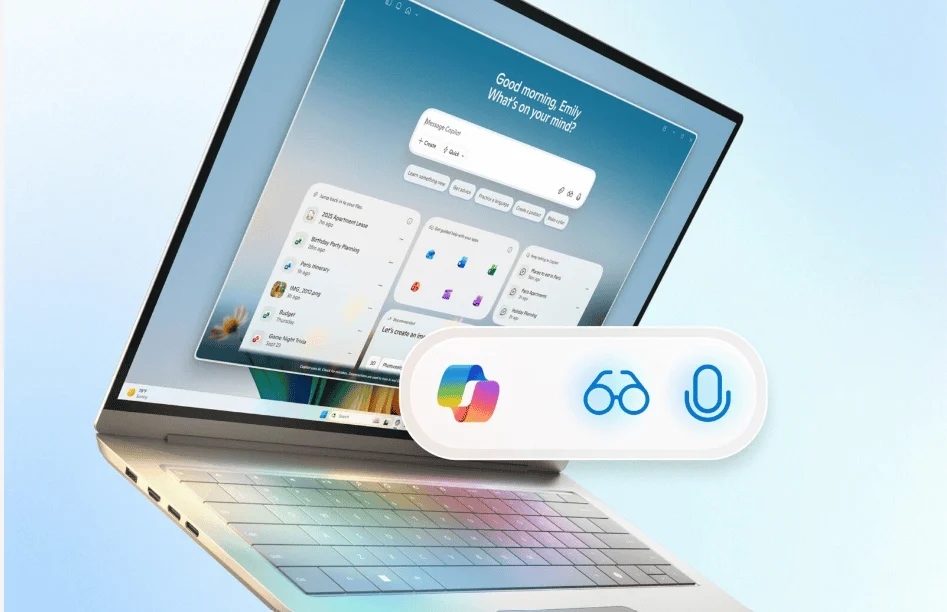
Copilot on Windows Updated With Real-Time Text Editing; Now Available for Insiders
Microsoft is rolling out a new Copilot update on Windows, and it’s live for Insiders in all channels. As part of the update, Insiders get a quicker way to edit text directly in their workflow, thanks to Copilot Actions.
With this feature in place, Insiders can edit text, rewrite, enhance, or simplify text during Copilot Vision sessions. You can start it by opening the the Copilot app and clicking the glasses icon in the chat bar. Next, simply share the window with your document or app, place the cursor in a text field, and speak naturally.
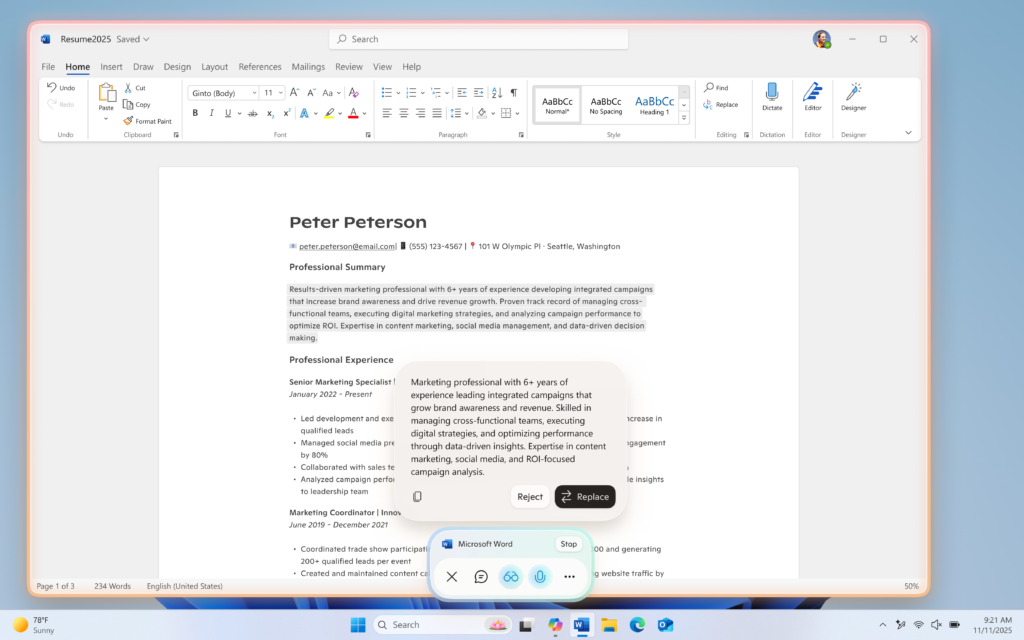
Microsoft notes that commands like “make this clearer” or “rewrite to be more formal” prompt Copilot to suggest edits immediately. You can preview suggestions before applying them, making sure your workflow stays smooth without switching windows. For the uninitiated, Copilot Vision is fully opt-in and only activates when chosen.
Not to forget, text editing requires the Copilot Actions toggle on in the app settings. When you enable the option, it gives access to Copilot Actions for long-running tasks, a separate feature in Copilot Labs.
The new features are included in Copilot version 1.25121.60.0 and higher, and it’s now rolling out to all Insider Channels via the Microsoft Store.


Readers help support Windows Report. We may get a commission if you buy through our links.

Read our disclosure page to find out how can you help Windows Report sustain the editorial team. Read more