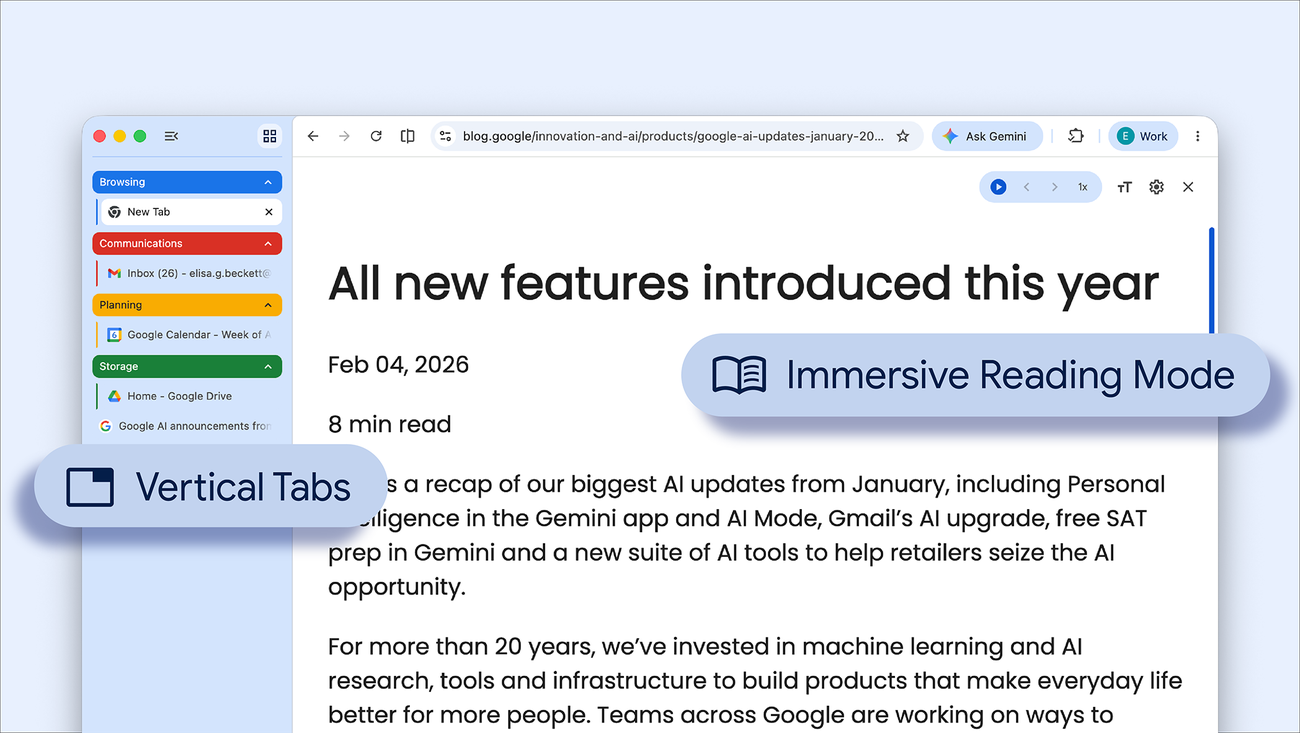
Get more done with new vertical tabs and immersive reading mode in Chrome
Today we are beginning to roll out two new features designed to streamline your browser and help you maximize productivity in Chrome.
You now have the option to use vertical tabs in Chrome, depending on your preferences. Just right click on any Chrome window and select “Show Tabs Vertically.” By moving your tabs to the side of your browser window, you can read full page titles and manage tab groups with ease — even when your tab count hits double digits. This layout is perfect for multitasking, saving you time by making sure you never lose a tab.