Microsoft’s Clipchamp makeover nearly complete, Stream gets fresh new face
Readers help support Windows Report. We may get a commission if you buy through our links.

Read our disclosure page to find out how can you help Windows Report sustain the editorial team. Read more
Microsoft’s new video experience for Microsoft 365 is finally here. After announcing the plan last year to merge Stream and Clipchamp, the rollout has begun, and changes have finally started to show up.
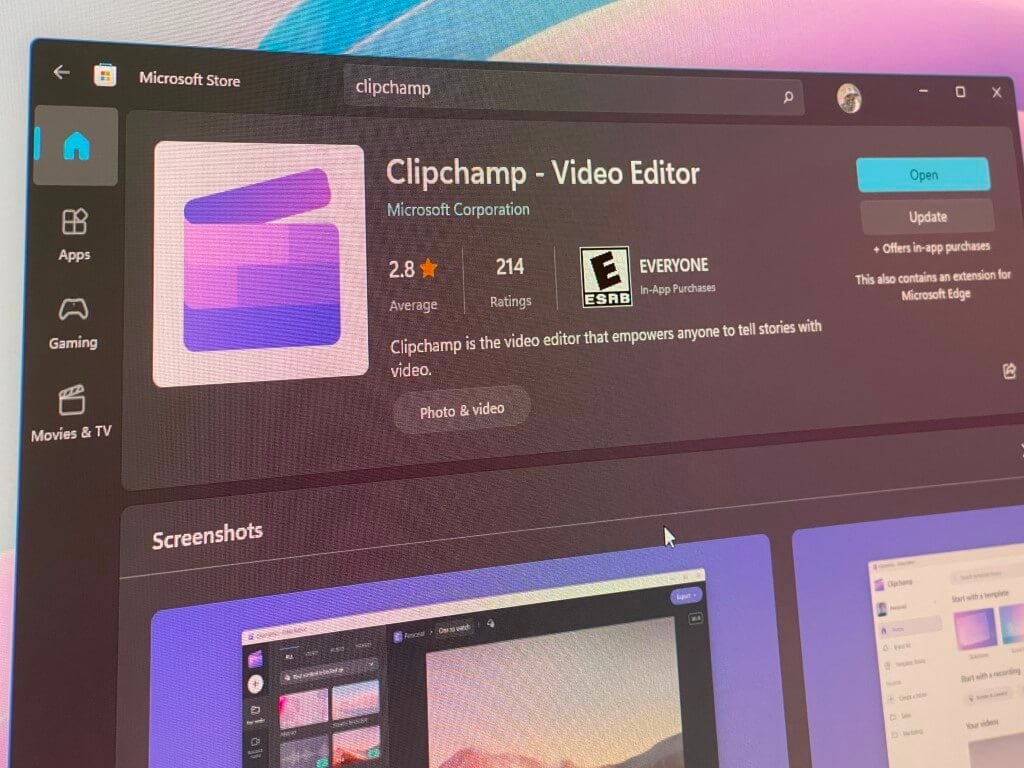
Clipchamp is now the main app for editing and watching videos across Microsoft 365. It combines Clipchamp’s creative tools with playback features from Stream. Users won’t need to switch between apps anymore. Everything’s now built into one interface.
Clipchamp is now the central video hub in Microsoft 365. The first thing you’ll see is a new Clipchamp start page. Whether you launch it from the Stream shortcut or the Clipchamp link, it now takes you to the same space. This hub collects your personal edits, Teams meeting recordings, and shared videos in one place.
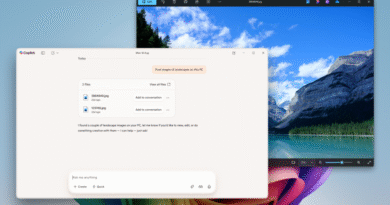
Microsoft is also updating the design across all video tools. The new Clipchamp player includes its logo, color scheme, and a banner noting the platform change. Clipchamp gets new tools, Copilot support, and admin controls. This isn’t just a branding shift; new features are landing too. Microsoft 365 Copilot in Clipchamp can now summarize videos or answer questions about the content. A Copilot license is required, though.
You can also trim and send parts of a video as separate clips. The screen, webcam, and audio recording tools now carry Clipchamp’s design. Admins have new toggles to manage those features—what used to be listed under Stream settings now appears as “video” settings.
Video links in Teams and Outlook are being updated, too. Buttons that once said “Open in Stream” now say “Watch in browser.” Export options are changing to match. Not to forget, help docs and blog content get rebranded too.
Microsoft is updating support articles and documentation to reflect the new Clipchamp identity. Stream’s support content on Microsoft Learn and Microsoft Support is being updated throughout July. The Stream blog is also being refreshed.
If you try visiting the Stream homepage, you’ll now be redirected to the Clipchamp Video Editor site. It’s divided into sections for creating and viewing videos. In late August, Microsoft will start rolling out a new Clipchamp video hub for managing projects. It’s already live in preview if you want to check it out early.
Microsoft says the changes won’t remove any features. The goal is to streamline everything and make video tools easier to find. You can send feedback using this portal. More details are available in Microsoft’s brand update and their earlier post on the future of video.