Privacy first: The best Google Keep alternatives to switch to

Megan Ellis / Android Authority
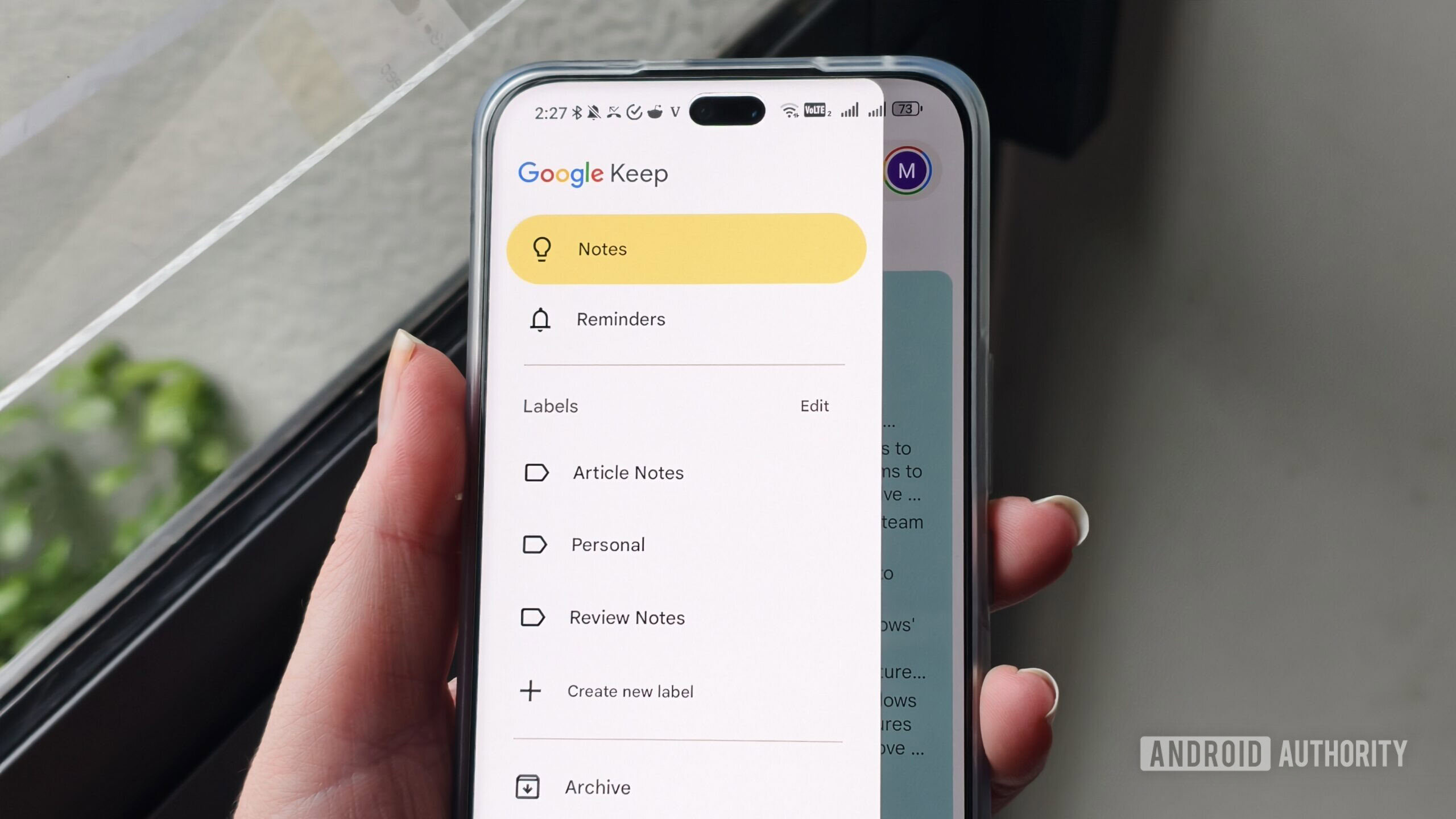
Not all note-taking apps are created equal when it comes to privacy. Google Keep, for example, isn’t as private as you may think. Sure, the chances of someone hacking into your account are minimized thanks to things like 2FA, but people seem to forget that Google has full access to the contents of their account.
I guess one could argue that it’s not a big deal, especially if your Keep account doesn’t store anything sensitive, like medical or financial records. Besides, Google has strict privacy guidelines, so it’s not like its employees are reading your notes during their lunch break — I hope. Still, the company can access your data if it wants to, so you have to trust that it won’t do it randomly on a slow Tuesday. It will, however, hand over your data if it receives a subpoena, as required by law.
I’ve been putting privacy at the forefront lately, which is why I’m waving goodbye to Keep and most of Google’s apps. If you’re in the same boat as me, I want to walk you through the five best Google Keep alternatives you can switch to, regardless of whether you want a simple note-taking app or something that’s a bit more feature-packed.
Are you thinking of moving away from Google Keep?
21 votes
Obsidian

Bogdan Petrovan / Android Authority
This is the one I’m currently using, so I am putting it at number one. However, I’ll start off by saying that it’s definitely not everyone’s cup of tea.
Obsidian is very different than Keep. It’s local-first, which means all your data is stored on your device (phone, laptop, tablet) by default, making sure Obsidian can’t see it. You don’t even have to make an account to use it, and it’s free. Sounds great, right? Well, the issue is that you won’t be able to access your notes from multiple devices, and if that’s a priority — it is mine — you’ll have to sign up for Obsidian’s Sync plan.
Here’s where the free part ends. Syncing costs money, so you’ll need a subscription that starts at $4 per month. The good news is that Obsidian offers end-to-end encryption that Keep lacks, so despite your data being stored on the company’s servers, Obsidian employees cannot see it even if they wanted to. The app offers complete privacy, but you’ll have to pay for it.
In terms of features, the two apps couldn’t be more different. Sure, you can use Obsidian as a simple note-taking app, similar to Keep, but it’s a lot more feature-packed overall, offering things like an infinite Canvas that you can use to connect your notes and photos together, and a lot more.
What you need to know is that while everyone can figure out how Keep works in a matter of minutes, Obsidian has a steeper learning curve. So if you’re willing to play around with it a bit, it’s a great Google Keep alternative. But if you want simplicity, some of the other options on this list will suit you better.
Notesnook

Megan Ellis / Android Authority
Compared to Obsidian, Notesnook is a lot simpler — closer to Keep in terms of functionality. It’s cloud-based instead of local-first, and while there’s a free plan available, you’ll need a subscription to take full advantage of it.
End-to-end encryption is the app’s default state, making sure that no one can see your data but you. You can create notebooks to organize your notes, set up reminders, pin important notes for easy access, and so on. There’s even a dedicated Focus mode that clears out all the menus and tabs so you can focus on your writing. So basically, all the basic functionality, plus a few extras, are available at your disposal.
The app is open-source, and due to its zero-knowledge encryption, you can be sure no one will sell your data to the highest bidder.
Don’t want to miss the best from Android Authority?


I’ve tested it out extensively, and while the UI feels a bit less modern and polished than something like Keep, I did still enjoy the overall experience. Pricing isn’t too bad either if you opt for the Essential plan, as that will set you back $1.67 per month or $19.99 per year. It goes way up from there, costing as much as $7.5 per month if you want the Believer plan. That means it’s more expensive than Obsidian despite being less polished and feature-packed, but it may still be a more suitable option for you due to its simplicity.
Standard Notes

Mitja Rutnik / Android Authority
If you know, trust, and perhaps even use Proton’s suite of apps, Standard Notes is for you. It wasn’t built by Proton, but the Swiss company did acquire the app back in 2024.
There’s good and bad news, and I’ll start with the bad first. Unfortunately, it’s not part of Proton’s Unlimited plan that gets you access to Proton Mail, Drive, VPN, Pass, and a few other apps. You have to subscribe to it separately. The other issue is that it’s far from cheap. While there’s a limited free plan available, a yearly subscription goes for $90 for the cheapest plan and $120 for the most expensive one.
If the free plan is good enough for you or you’re okay with the app’s price tag, Standard Notes is something I truly recommend. I tested it out, and while it lacks the polish you may be used to on Keep, its old-school vibe gives it a specific character missing from today’s apps that all look and behave the same.
Notes management within the app is easy thanks to folders and tags. There’s even a dedicated Files tab that shows you all your uploaded docs in one place. Security is top-notch, thanks to end-to-end encryption, 2FA, app lock, and even the option to lock your most sensitive notes with a password.
Justnote

Mitja Rutnik / Android Authority
This is the least feature-packed app on this list. It’s very basic, similar to Keep. That’s not something we can hold against it, since there’s a strong demand for it. And since it’s relatively simple and not made by a big corporation, its price is incredibly affordable.
First off, let’s talk security. All the data is encrypted, making sure you’re the only one who sees it. Your account can’t be banned or deleted by the company or person behind the app, which is a major plus.
Google automatically scans your Google account, and in case there’s anything remotely controversial on it — something against the company’s policies — the system can block your account, and getting it back may be a hassle. You won’t have this issue with Justnote. Google’s automated scanning system can make mistakes, so it may unjustifiably flag an account in some cases, as evident by several Reddit posts I came across recently.
I’ve given the app a spin, and it’s incredible for what it is. I thought about using it full-time, but I need a bit more from my note-taking app, so Obsidian is my app of choice since it’s better for long-form writing. However, for those looking for something that lets them jot down notes quickly without any extra features that may get in the way, Justnote is a great option. And the best part: a yearly subscription will only set you back around $5. Some of the others on this list charge more per month, so this really is a great deal.
Anytype

Dhruv Bhutani / Android Authority
I used to be a Notion user for years but ditched the app since it got a bit too complex for me, and the lack of end-to-end encryption — just like on Keep — was something I wasn’t happy about. That’s why I switched to Obsidian.
Anytype is an interesting app because it’s kind of a hybrid of Notion and Obsidian. It looks and feels more like Notion but has an offline-first approach like Obsidian with the option of zero-knowledge cloud sync.
While it can be used as a simple note-taking app, it’s a lot more powerful than that. It’s best to describe it as your second brain — a place where all your thoughts, docs, tasks, ideas, and everything else you track is stored. As you’d imagine, that data is for your eyes only, so not even Anytype employees can see it. However, the app does have a bit of a learning curve, so you’ll have to spend some time getting to know it.
Pricing is similar to Obsidian’s, starting at $5 per month. You can use it for free, but it has several limits that will likely push you towards a subscription eventually.
Whether you want a simple or a feature-packed note-taking app that puts privacy first, this list has you covered. I’m sticking with Obsidian for now, but I’d love to hear from you — which one would you consider switching to, and why? Let me know in the comments.
Thank you for being part of our community. Read our Comment Policy before posting.