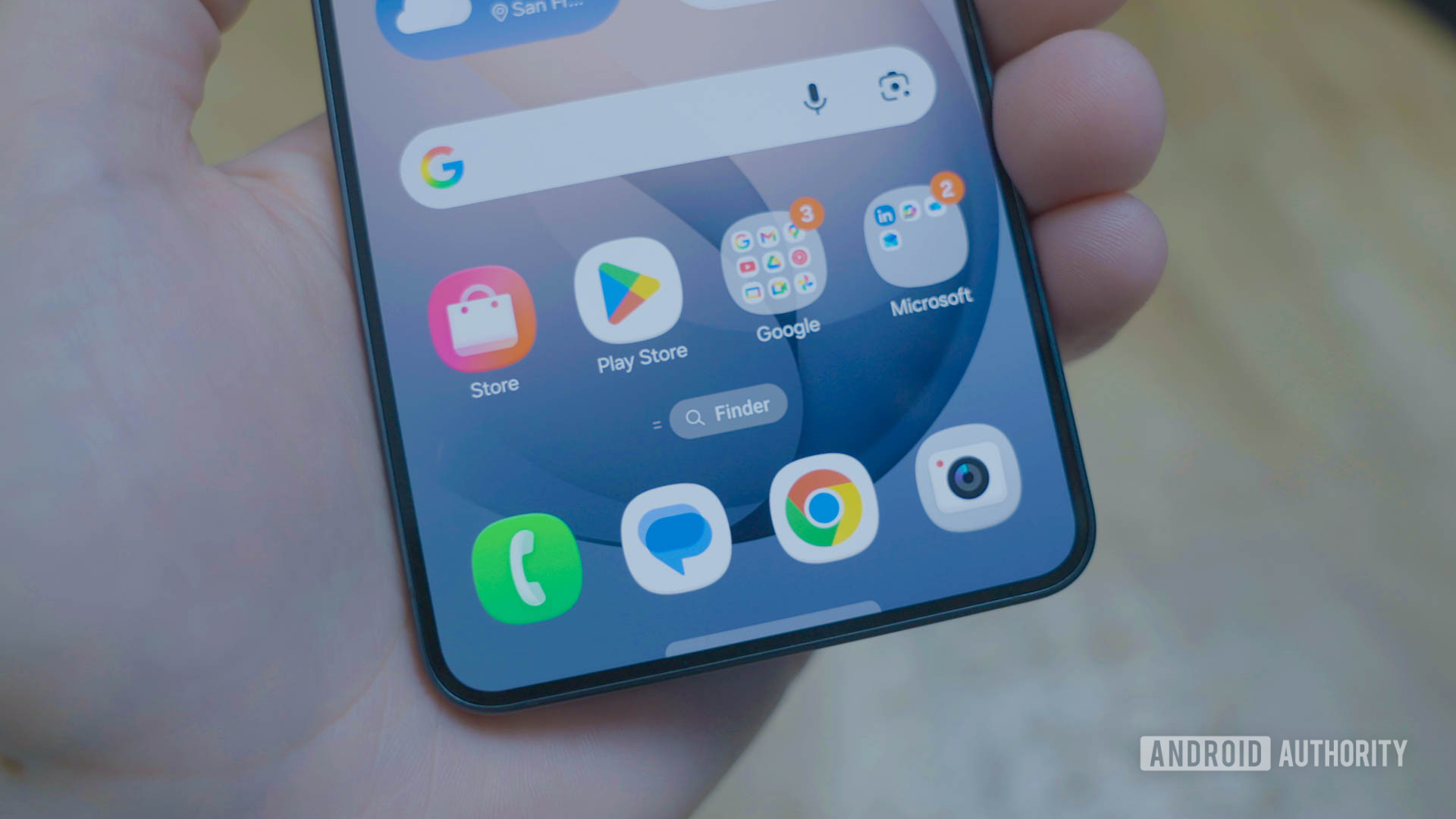
Samsung may soon let you pick your preferred home screen search

C. Scott Brown / Android Authority
TL;DR
- Code within One UI 9 leaked build suggests that Samsung will let users choose between Finder and Google as their home screen search service.
- New settings will likely allow users to display Finder, Google, both, or neither on their home screen.
- This feature follows the One UI 8.5 rebranding of “S Finder” and adds a potential Google entry point similar to the Pixel Launcher.
In One UI 9 leaked builds, we’ve spotted the following strings:
Code
Show search on Home screen
Choose your search service.
Finder
Google
The strings indicate that users can choose either Google or Finder as their search service on their Galaxy phones and tablets. They will also get the option to show their chosen search service on the home screen.
We’ve also spotted the following graphics associated with these strings:
The graphics clearly show the various configurations users can choose from. The standard Finder-only configuration is already active in One UI 8.5, and soon users will be able to opt for either just Google Search on the home screen, both Google Search and Finder on the home screen, or choose neither.
Don’t want to miss the best from Android Authority?


For reference, this is what Finder’s current implementation and settings look like on One UI 8.5:
It’s not immediately clear what the “Google” option will open. It’s possible that it could work the same way as Pixel Launcher’s Google search bar, wherein it opens the Google app to start a search. One UI 8.5 already includes the default Google search widget on the home screen, so this could be a duplicate entry point. But then again, there’s no such thing as too much search, right, Google?
There’s also the possibility that this could be a launcher-level integration rather than just a widget. Further, while Finder is good for on-device semantic search (e.g., finding photos, contacts, and files using natural language), the Google option could serve as a gateway to web search, which could explain why users might want both options on their home screen.
We’ll keep you updated when we learn more about this feature.
⚠️ An APK teardown helps predict features that may arrive on a service in the future based on work-in-progress code. However, it is possible that such predicted features may not make it to a public release.
Thank you for being part of our community. Read our Comment Policy before posting.