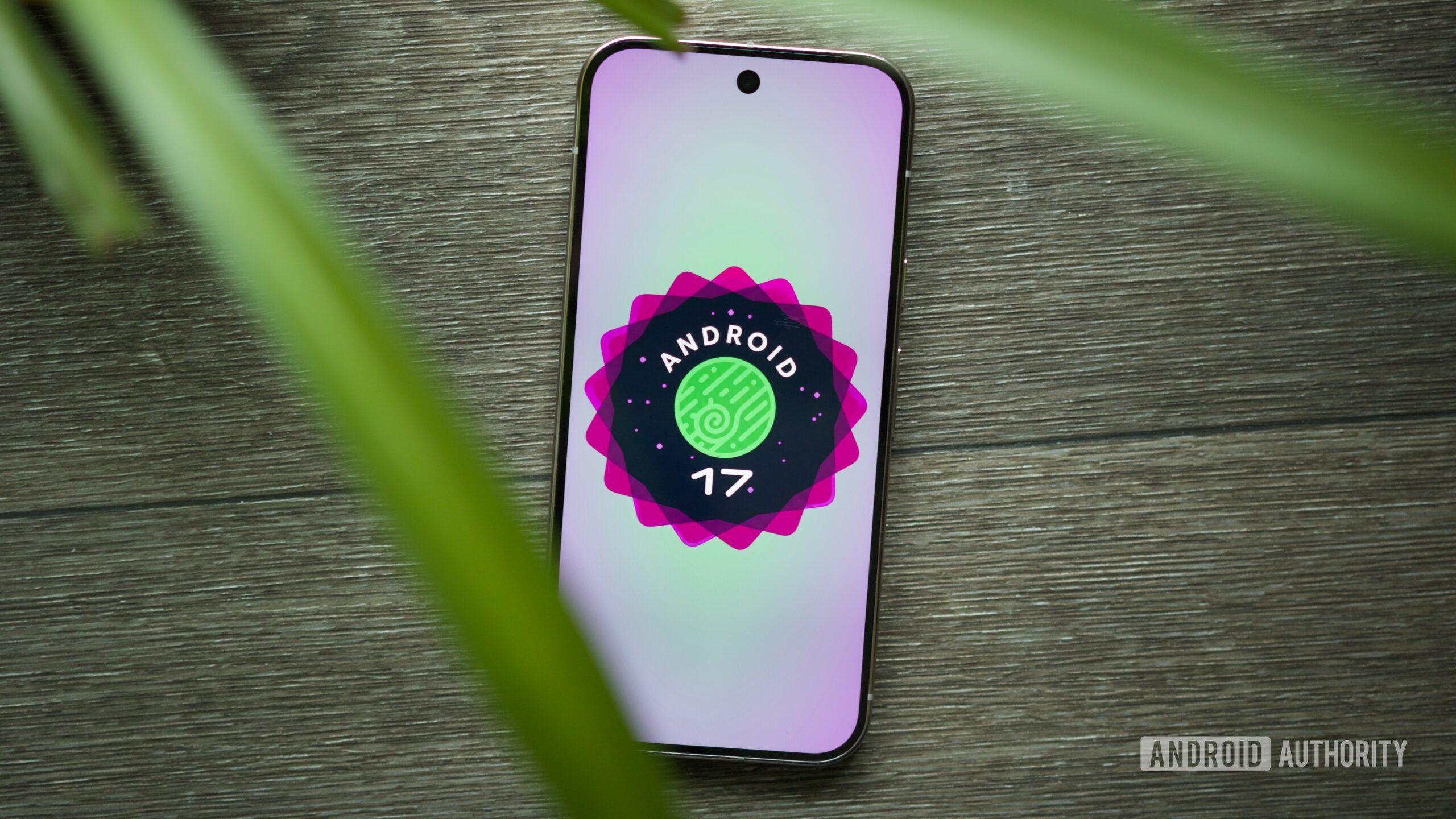
Android 17 Beta 4 quietly improves navigation for mouse users

Joe Maring / Android Authority
TL;DR
- Android 17 Beta 4 shipped last week with minor behavior changes that could make mouse and trackpad navigation easier.
- Split screen arrangements can now be resized using large buttons that move the windows between 50:50, 70:30, and 90:10 ratios.
- There’s a new “X” button on biometric authentication dialog windows that should make it easier for cursor users to exit them.
Google released the last scheduled Android 17 beta last week, calling the fourth beta “the near-final environment” for the upcoming operating system release. In fact, the company is already shifting gears toward Android 17 QPR1, seeding the first beta for that release this week. However, as testers continue to play around with Android 17 Beta 4, we’re continuing to learn more about the behavior changes users can soon expect from the final Android 17 release.
Google’s Mishaal Rahman spotted a few user-facing tweaks to Android 17 Beta 4 in a post on X (formerly Twitter). Specifically, these minor updates aim to improve navigation, and Rahman suspects they could come in handy for mouse and trackpad users. Android 17 Beta 4 makes it easier to resize split screen app pairs using physical up or down arrows. Tapping the grab handle now reveals two arrows that can be used to move an app up or down in a split screen arrangement.
The new arrows shift split screen app pairs between 50:50, 70:30, and 90:10 ratios. While the grab handle still works for adjusting split screen ratios, the arrows could particularly help with multitasking when a mouse or trackpad is connected. The large arrow buttons are easier for a cursor to locate compared to the smaller grab handle.
Don’t want to miss the best from Android Authority?


That’s not the only Android 17 Beta 4 modification that might have been made with mouse and trackpad users in mind. Rahman also spotted a new biometric authentication dialog style with an “X” button in the top-right corner of the window. Clicking or tapping this button expectedly closes the window.

Currently, you can exit biometric authentication dialogs by using Android’s universal back gesture. However, as Rahman surmises, a clear “X” button should make it easier for mouse and keyboard users to get out of a biometric authentication window.
The final Android 17 Beta 4 tweak is a minuscule one — copied text in the Android keyboard overlay is now previewed in white instead of black. Unlike the other changes, this has nothing to do with cursor navigation, but it is a nice change for legibility.
Google hasn’t explicitly said that these changes are being made to improve mouse and trackpad support, for what it’s worth. That being said, these Android 17 Beta 4 behavior changes seem to benefit those navigating the operating system with a cursor more than those using their finger. We’re still waiting for Android 17’s stable release, and until that happens, all these beta changes are unconfirmed and might not make the final build.
Thank you for being part of our community. Read our Comment Policy before posting.