Here’s How to Keep Your Kids Safe and Having Fun on Xbox
XINSTALL BY CLICKING THE DOWNLOAD
FILE
The holiday season is officially here, and there would be many parents who may have plans to gift Xbox to their kids. However, if your kids are new to gaming, it’s your responsibility to set up a safe and fun experience. No wonder, it can feel overwhelming, but thankfully Xbox makes it simple with tools that give parents control without killing the fun vibe.
In a guide published today, Microsoft says that parents first need to make sure to set up a dedicated child account during console setup. This ensures your child gets a personalized experience, from what they can play to who they can interact with, all while keeping your own account safe.

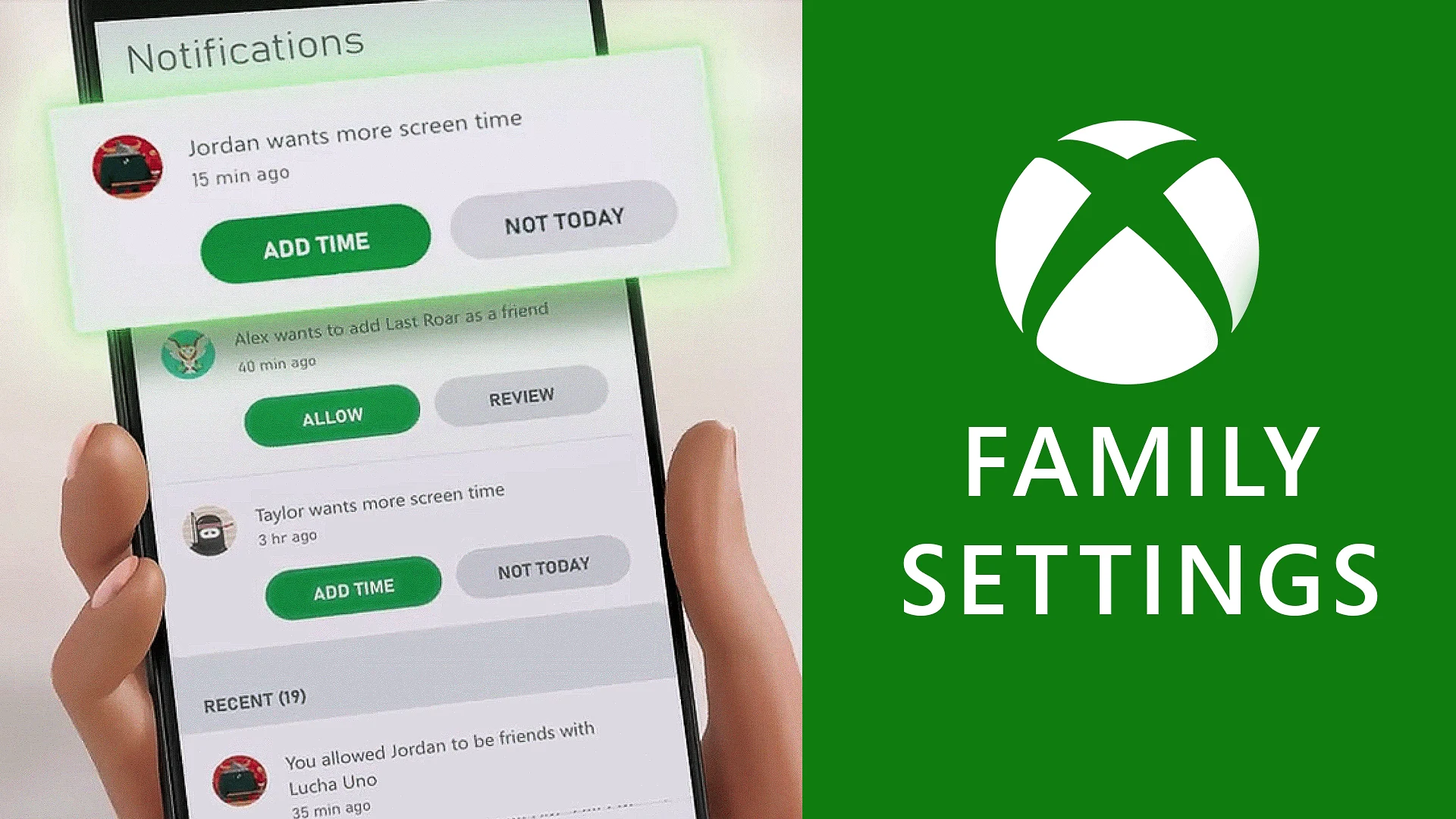
Next, the Xbox Family Settings app is a must-have if you are a parent. It’s available on Android and iOS and allows parents to manage screen time, approve or reject extra playtime requests, and even pause games remotely. That’s not all; access to content filters allow you to block age-inappropriate games, while purchase controls ensure no surprise charges increase your bills.

Moving on, you can also control with how your kids can communicate. You can restrict chats to friends only, review incoming friend requests, or block messaging entirely. There are weekly activity reports to tell exactly what your child played, for how long, and any requests they made. Notably, Xbox Series X|S consoles offer a variety of settings to make gaming inclusive for all children.
Although it sounds promotional, which it isn’t, Xbox Game Pass offers hundreds of family-friendly games, from action-packed adventures to educational titles that gives your kids a safe space to explore, learn, and play together.
So, have you already set up your kids Xbox account? If not, what’s stopping you? You should do it now.


Readers help support Windows Report. We may get a commission if you buy through our links.

Read our disclosure page to find out how can you help Windows Report sustain the editorial team. Read more