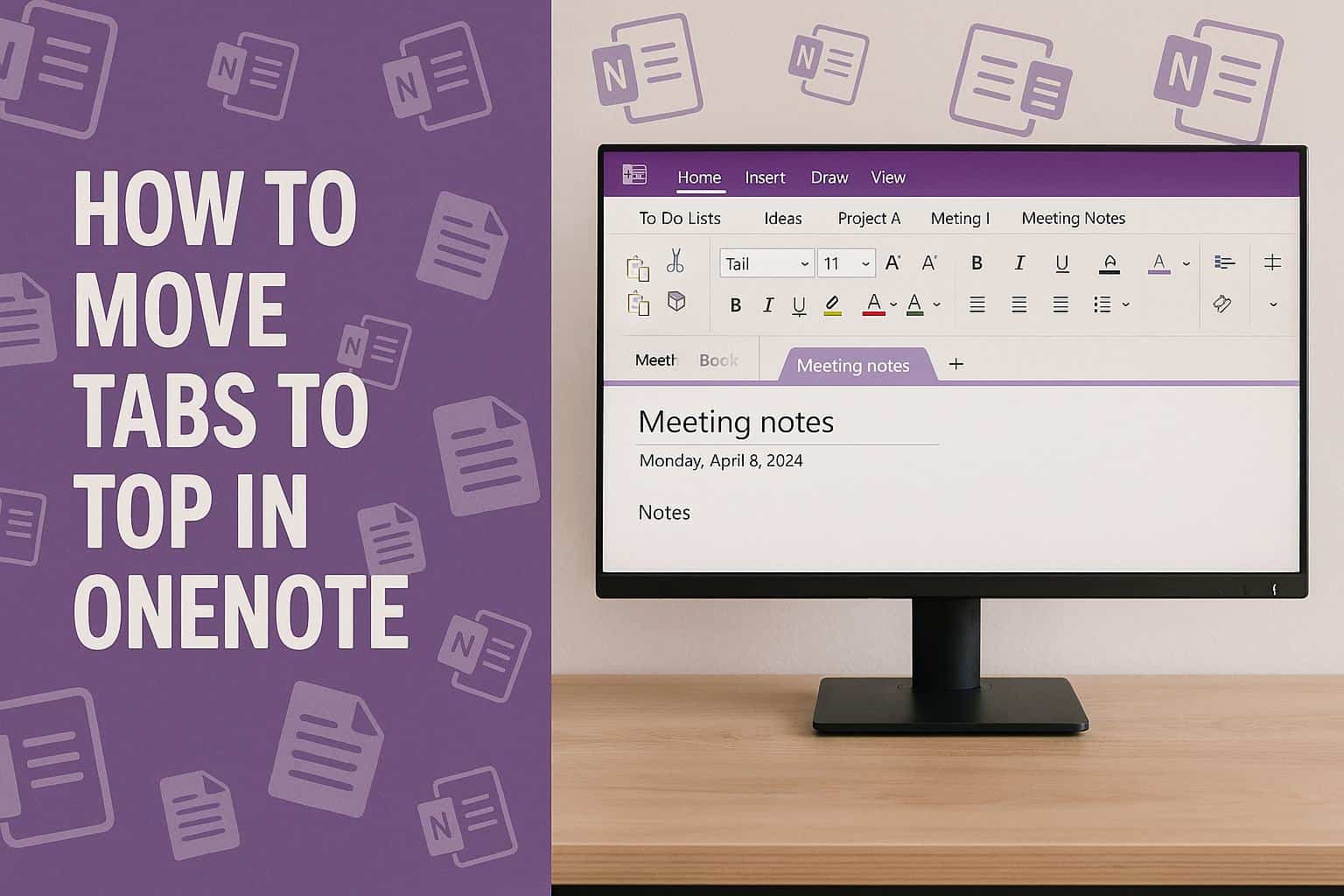
How to Move Tabs to the Top in OneNote on Windows
XINSTALL BY CLICKING THE DOWNLOAD
FILE
OneNote places section tabs on the side in some versions, so changing their location helps you navigate faster, and this guide will show you how to move them to the top.
How to Move Tabs to the Top in OneNote?
Check your OneNote version
Confirm which OneNote app you use before changing the tab layout.
- Open OneNote on your Windows PC.
- Look at the app name in the title bar.
- Identify whether you use OneNote for Windows 10 or the OneNote desktop app from Microsoft 365.

- Continue only if you use the desktop app because it supports tab placement changes.
For help organizing your workspace, you can review this guide on setting up a new notebook.
Enable the vertical or classic layout
Follow these steps in the OneNote desktop app.
- Select File in the upper left corner.
- Choose Options from the bottom of the sidebar.

- Click Display in the left menu.

- Find Navigation panes and disable Show tabs on the left.

- Select OK and return to the notebook to view tabs at the top.
You can explore more appearance options in this guide that explains how to adjust the OneNote layout.
Switch to the correct app if the option does not appear
Move to the supported OneNote version if you do not see the layout settings.
- Check the app interface for the Display section.
- Confirm that the setting for tab placement is missing.
- Identify that you are likely using OneNote for Windows 10, which does not support moving tabs.
- Download the OneNote desktop app from Microsoft 365 to gain access to tab layout controls.
Restart the app if the layout does not refresh
Refresh the app so the new layout loads correctly.
- Close OneNote completely.
- Reopen the app.
- Load your notebook and confirm that the tabs show at the top.
FAQs
Only the OneNote desktop app from Microsoft 365 or Office 2019 and later supports moving tabs.
You are likely using OneNote for Windows 10, which does not include tab placement options.
No. OneNote Online and OneNote for Mac do not allow customizing tab positions.
No. The feature depends on the app version, not the installation, so switching to the desktop app is required.
Moving tabs to the top in OneNote improves navigation and restores a classic notebook feel. If you plan to save or move your work afterward, you can check this guide on exporting your OneNote notebook.


Readers help support Windows Report. We may get a commission if you buy through our links.

Read our disclosure page to find out how can you help Windows Report sustain the editorial team. Read more