Opera One now lets you boost audio up to 500%, improves PiP experience
Opera is rolling out an update to Opera One with several improvements to its in-browser video streaming and conferencing experience. Here are the details.
Opera One update is all about video
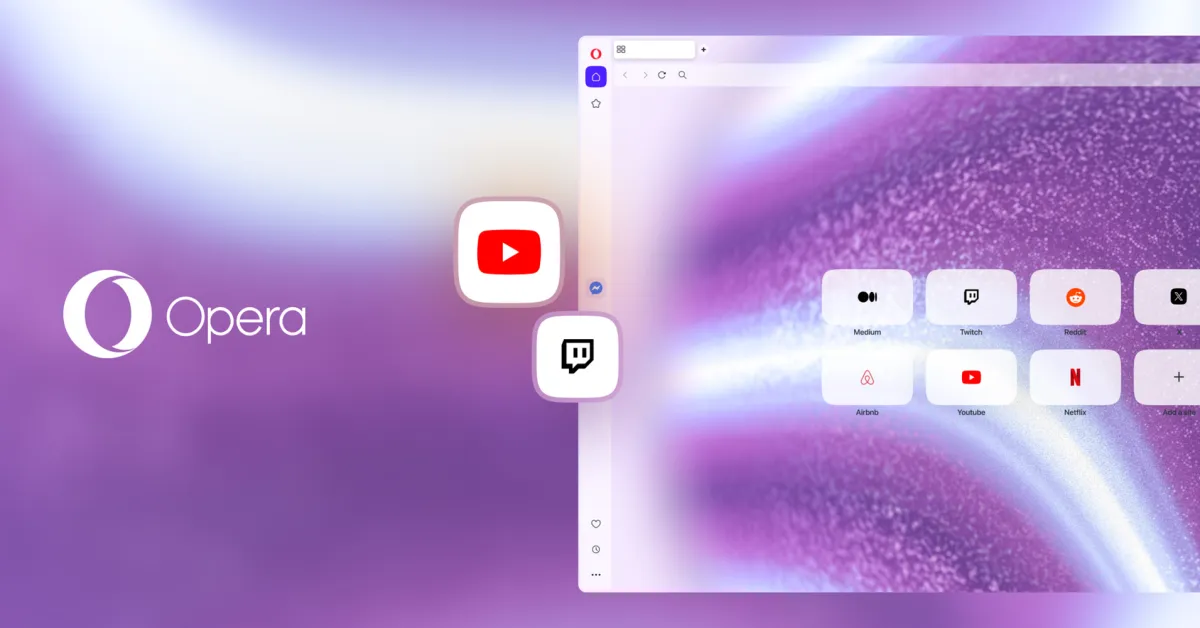
Opera is updating its Opera One browser today with the possibility to add YouTube and Twitch buttons to the sidebar that offer one-click access to these platforms.
According to Opera, this makes it easier to watch streams or videos without needing to constantly switch tabs.
Opera One users can pin these panels for a side-by-side layout, or quickly pop the video out into a floating window using the Video Popout feature.
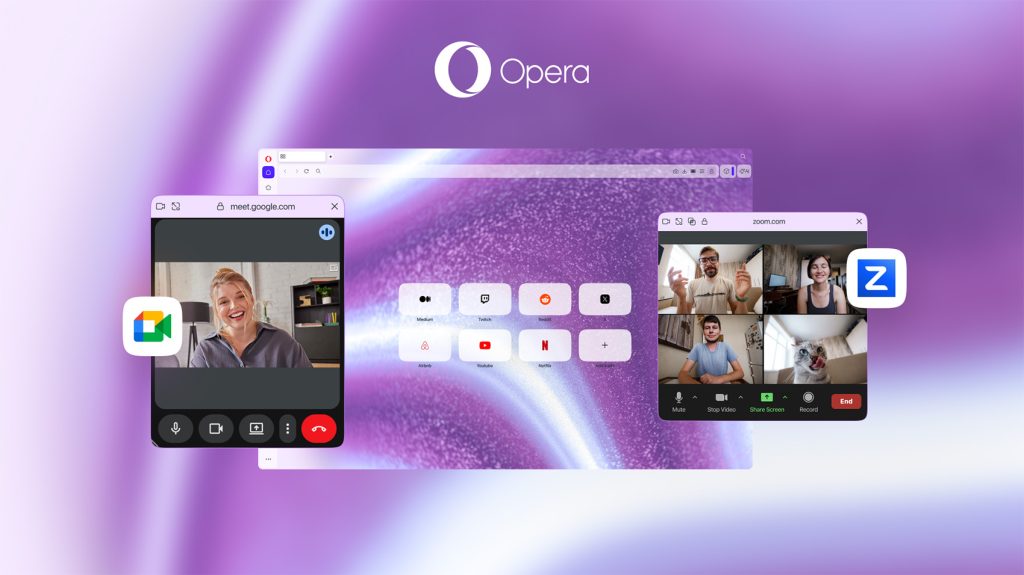
The company adds that the Video Popout feature was “completely revamped to make multitasking during meetings smoother than ever,” with features including:
- Expanded app coverage: Opera now fully supports any video conferencing website that supports Pip, which includes full compatibility with Zoom.
- Custom per-site controls: Moving away from a global toggle, users now have per-site control over Auto-PiP permissions for every individual conferencing website.
- Improved aesthetics: The floating Video Popout window now automatically matches the style of the user’s chosen Opera One Theme.
Another interesting addition to Opera One is a native volume booster that lets users increase the volume of a specific tab up to 500%, a feature that has typically required third-party extensions.
This feature comes alongside per-tab volume control, which means you can keep background audio at a low level in one tab, while boosting a specific video in another.
To learn more about Opera One, follow this link.
Worth checking out on Amazon


FTC: We use income earning auto affiliate links. More.