
What Is The Difference Between A Dead Pixel And A Stuck Pixel?
Look closely and you can tell them apart.

Many electronics users have felt the wave of panic that comes with trying to wipe away a mark on their screen, only to realize it’s actually an issue with the screen itself. Sometimes, this can be caused by factors like source or cable issues, and isn’t cause for alarm. Other times, however, it’s a pixel problem, which can be much more dread-inducing due to varying levels of repairability.
Even the best monitors aren’t safe from a potential pixel issue, of which there are two main types: stuck pixels and dead pixels. Both are dots — or, even worse, clusters of dots — that no screen user wants to see. However, though both screen annoyances look a lot alike shape-wise, there are some distinct differences between them, namely in their exact appearance and if they can be fixed.
Spotting the difference
One of the biggest differences between a stuck and dead pixel is the presence of light. A stuck pixel is permanently on, displaying a constant blue, red, green or bright point, while a dead pixel is, as the name suggests, no longer functioning and is always black. This visual difference can help you determine which particular problem you’re facing.
The other main defining factor between the two is how fixable they are. A stuck pixel has a myriad of troubleshooting routes that can be taken, and can often be returned to normal. A dead pixel, on the other hand, cannot be salvaged. If you’ve got a dead pixel, you’ll unfortunately either have to get a replacement or learn to tolerate it. On the bright side, it’s a generally less obtrusive visual issue than something like screen burn-in.
How to test for dead and stuck pixels
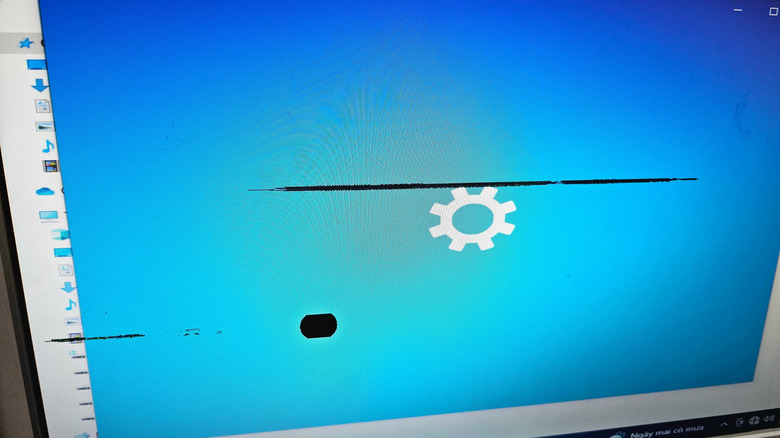
Stuck and dead pixels are so small it can sometimes be tricky to identify if they’re even the issue at hand, and, if they are, which instance in particular you’re dealing with. First, it’s best to rule out all other display issues that could be going on. Clean your display thoroughly, see if the problem persists across different applications and, if you can, try both a new cable and input device.
Once you’ve ruled out other problems, conduct a final test designed to concretely pinpoint the issue. There are several sites and apps that can be used to sniff out pixel problems, like Dead Pixel Buddy, and even some that purport the potential to solve the issue as well, like JScreenFix or Dead Pixels Test and Fix. It should be noted that stuck pixels can sometimes be harder to diagnose, as those with power or heat problems as the underlying cause may only appear intermittently. If that’s the case, try to pull up one of these tests as soon as you notice the issue’s returned.