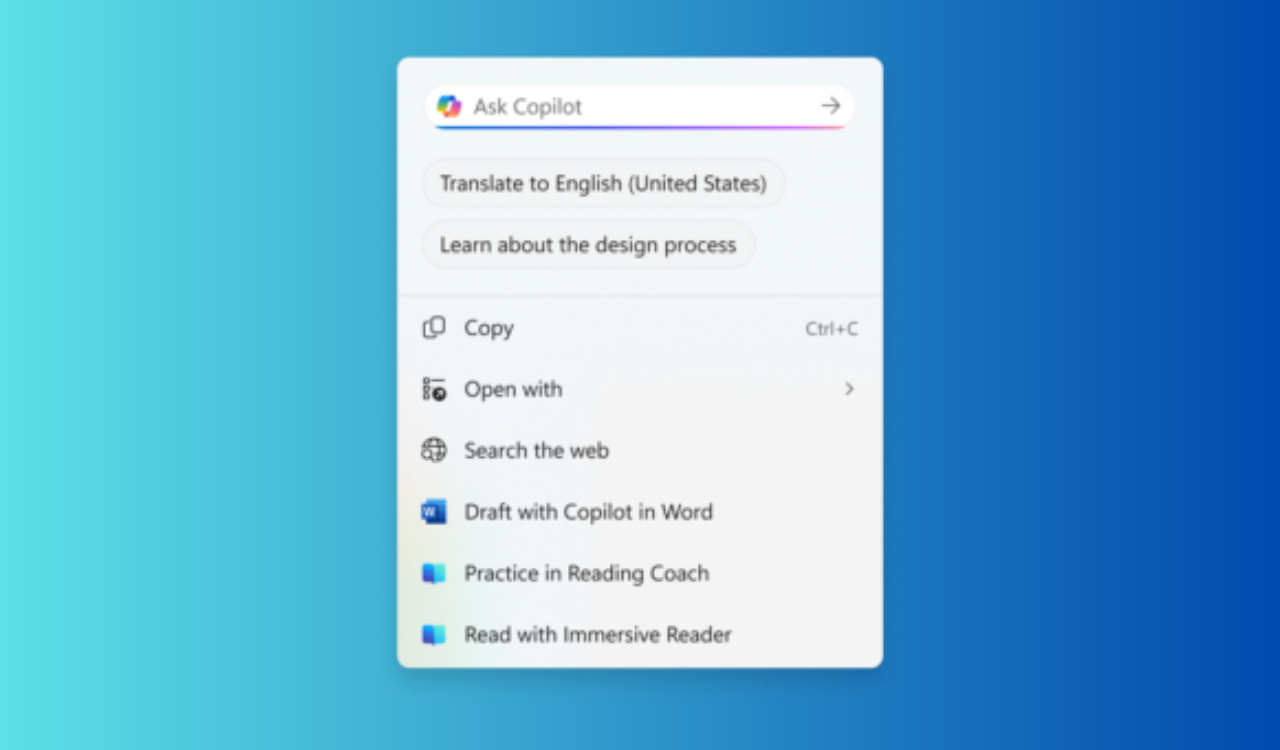
Windows 11 KB5065786 brings Copilot-powered translation in Click to Do
Readers help support Windows Report. We may get a commission if you buy through our links.

Read our disclosure page to find out how can you help Windows Report sustain the editorial team. Read more
Copilot has been at the heart of Microsoft’s recent Windows upgrades. And with the latest Windows 11 Insider Preview Build 26120.6690 (Beta, version 24H2) and 26220.6690 (Dev, version 25H2), it is becoming even more visible.
Both builds ship under KB5065786 and bring Microsoft Copilot-powered translation in Click to Do. The feature makes it easier to work with foreign text across your apps. If you select text in a language different from your display or preferred settings, Windows will now suggest an instant translation.

The selected content is securely sent to the Copilot app, which then provides the translation directly within your workflow. This feature currently requires the new Copilot prompt box in Click to Do, introduced in an earlier flight. For now, users in EEA or China won’t be able to use this feature.
This change highlights Microsoft’s vision of turning Copilot into more than an assistant; it’s becoming a real-time productivity tool. By cutting out the need to copy and paste into separate translators, it saves time and effort for everyday tasks.
Microsoft is rolling out more Copilot improvements with both the builds mentioned above. The company is testing taskbar integration with Copilot Vision, allowing quick sharing of app windows for deeper analysis. You can read more about that feature here. Moreover, with Canary Build 27950, Microsoft also fixed taskbar preview glitches.