Windows 11 KB5070312 Fixes File Explorer Bugs & More
The update has landed for version 23H2’s Education & Enterprise edition

1 min. read

EEST

XINSTALL BY CLICKING THE DOWNLOAD
FILE
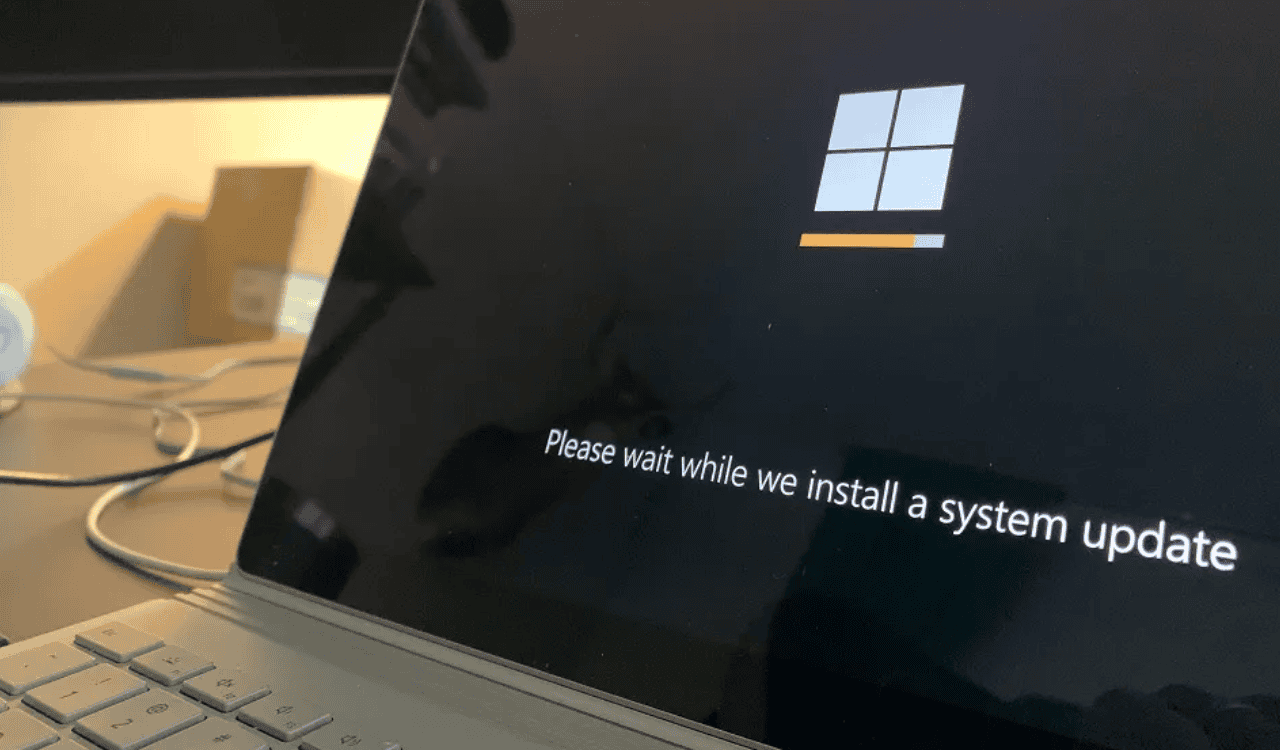
Microsoft has released a new Build 22631.6269 (under KB5070312) for the Education and Enterprise edition of Windows 11 version 23H2. And, it fixes some annoying bugs related to File Explorer and more. Here’s the full changelong as mentioned by Microsoft:
- [Country and Operator Settings Asset (COSA)] Fixed: This update brings profiles up to date for certain mobile operators.
- [File Explorer] Fixed: This update addresses an issue where File Explorer sometimes didn’t respond to mouse clicks until you closed and reopened it.
- [File Management] Fixed: This update addresses an issue with extracting .tar files when file or folder names contain more than 34 commonly used Chinese characters.
- [Group Policy and Configuration] Fixed: This update addresses an issue where the HideRecommendedSection policy didn’t work in Windows 11 Enterprise multi-session environments, such as Azure Virtual Desktop (AVD). Even when configured using Group Policy or Configuration Service Provider (CSP), recommendations still appeared in AVD sessions.
If you installed earlier updates, your device downloads and installs only the new updates contained in this package. Mocrosoft furthet notes that it is not aware of any issue with this update.


Readers help support Windows Report. We may get a commission if you buy through our links.

Read our disclosure page to find out how can you help Windows Report sustain the editorial team. Read more