The 5 Best Practices for Secure Identity Verification
Credential theft surged by 160% in 2025, contributing to one in five data breaches as attackers employed AI-driven attacks to bypass traditional defenses.
The challenge for security teams has evolved from simply verifying identities to verifying them securely without creating friction for legitimate users. Weak onboarding processes, overreliance on static credentials, and inconsistent authentication policies all create opportunities for attackers to exploit.
Ensuring that identity verification is as secure as possible has become a core part of modern cyber resilience. Below are five best practices organizations can use to strengthen identity verification and build more resilient access controls across their networks.
1. Use strong, fatigue-resistant multi-factor authentication
Multi-factor authentication (MFA) remains one of the most effective ways to strengthen identity verification and reduce the risk of account compromise. Rather than relying solely on a password, MFA requires users to verify their identity using two or more factors from different categories:
- Something you know, such as a password or PIN.
- Something you have, such as a smartphone, authenticator app, or hardware security key.
- Something you are, such as a fingerprint or facial scan.
According to NIST guidance, MFA is strongest when it combines factors from separate categories. A password paired with a hardware token or authenticator app provides significantly stronger protection than relying on multiple knowledge-based factors like passwords and security questions. However, MFA isn’t immune to exploitation, with weaker implementations susceptible to attacks like prompt bombing and SIM swapping.
To improve resilience against these techniques, organizations should:
- Move away from legacy SMS or email-based one-time passcodes (OTPs), which are more vulnerable to interception, phishing, and social engineering attacks.
- Prioritize phishing-resistant MFA methods, including FIDO2 security keys, passkeys, or certificate-based authentication.
- Use authenticator apps that generate local OTPs rather than push-based approval prompts where appropriate.
Verizon’s Data Breach Investigation Report found stolen credentials are involved in 44.7% of breaches.
Effortlessly secure Active Directory with compliant password policies, blocking 4+ billion compromised passwords, boosting security, and slashing support hassles!
2. Secure the service desk from social engineering
Helpdesks remain a frequent target for social engineering attacks because they sit at the intersection of identity, access, and urgent user requests. Attackers impersonate employees to convince support staff to gain access to accounts, typically though a reset request.
These attacks are increasingly sophisticated, with threat actors using AI-enabled deepfake audio or publicly available information to make requests appear legitimate.
In several high-profile breaches, including Marks and Spencers (M&S) and Clorox, service desk compromise was the first step toward ransomware deployment or broader lateral movement. In the case of M&S, the attack resulted in a five-day suspension of sales, averaging daily losses of £3.8 million.
The problem is rarely a lack of security tools, but inconsistent identity verification during high-pressure support interactions.
Specialized solutions like Specops Secure Service Desk embeds secure identity verification directly into helpdesk workflows, requiring users to verify their identity through trusted authentication methods before password resets, MFA changes, or other sensitive actions can be completed.
This helps support teams handle requests securely and reduces the risk of attackers bypassing controls through social engineering.
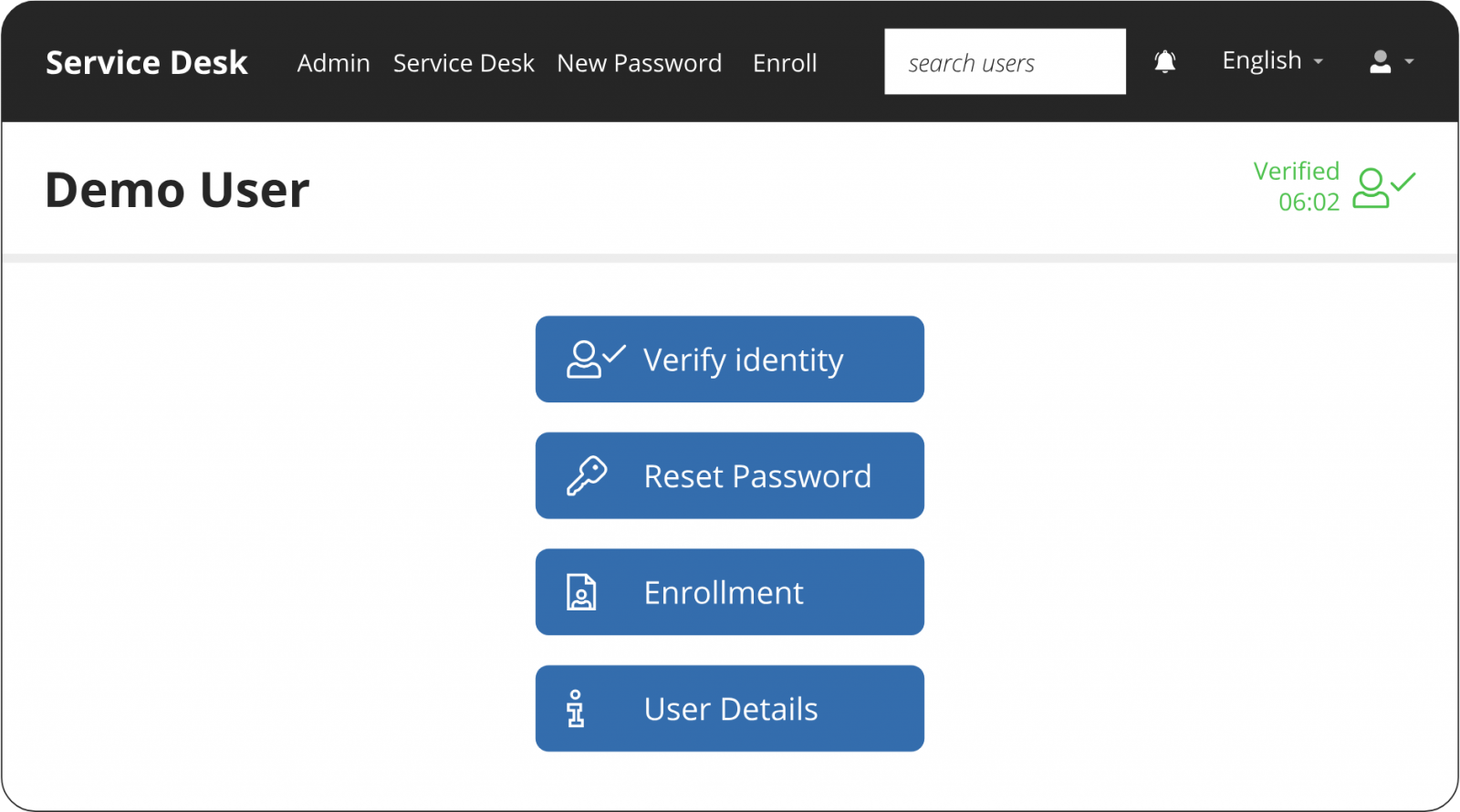
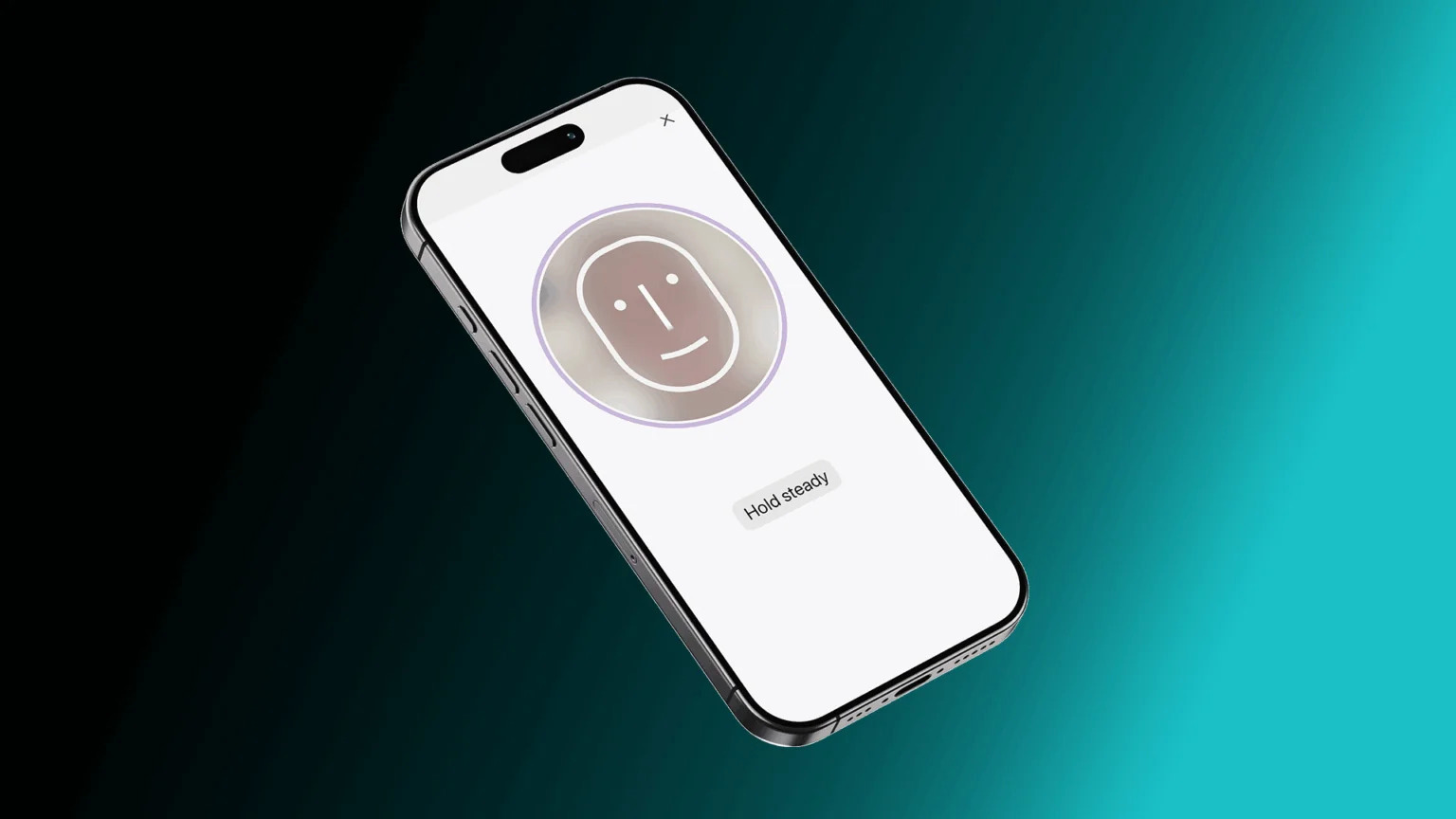
For especially high-risk actions at the service desk, Specops Verified ID adds government document scanning and biometric liveness detection to identity verification workflows. With this additional layer of defense, organizations can mitigate the risk of impersonation attacks leading to account takeover.
3. Bring device trust into identity verification decisions
Modern identity verification can’t rely on credentials alone. Alongside valid credentials, attackers steal session cookies and MFA tokens to break the authentication process and make it harder to distinguish legitimate users from compromised accounts based purely on login details.
That’s why more organizations are bringing device trust into authentication and access decisions.
Device trust helps security teams verify not just who is attempting to log in, but what they’re logging in from. Instead of treating every device equally, trusted access policies evaluate signals such as:
- Whether the device is corporate-managed or unmanaged
- Operating system version and patch status
- Presence of endpoint protection or EDR tools
- Device certificates or cryptographic identifiers
- Browser reputation and session integrity
- Signs of compromise, malware, rooting, or jailbreaking
These signals add valuable context to identity verification workflows. For example, a login from a recognized, compliant device on a corporate network may require minimal friction.
The same credentials used from an unmanaged device or suspicious IP range could trigger step-up authentication, restricted access, or a blocked session entirely.
4. Consider using passkeys
MFA significantly reduces the risk of compromised credentials, but many organizations are now looking beyond passwords altogether. One of the most widely adopted passwordless options is passkeys.
Built on FIDO2 and WebAuthn standards, passkeys use public-key cryptography to authenticate users without transmitting passwords across the network. The private key stays securely stored on the user’s device, making passkeys resistant to phishing, credential theft, and password reuse attacks.
As there’s no password to remember or rotate, they also help reduce friction for both employees and IT teams.
That said, passkeys aren’t a complete replacement for passwords yet. Organizations still rely on passwords as fallback authentication methods, particularly during account recovery or when users switch devices. Because of this, strong password policies and phishing-resistant MFA still play an important role wherever passwords remain in use.
5. Protect biometric data
Biometric authentication through fingerprint scans, facial recognition, or voice verification strengthens identity verification when implemented properly. But unlike passwords, biometric data can’t simply be reset if it’s compromised, which makes protecting it especially important.
One of the most important best practices is to avoid storing raw biometric data wherever possible. Instead, organizations should store encrypted biometric templates and perform authentication locally on trusted devices where feasible.
Privacy-preserving technologies are also becoming more widely used in high-security environments. Techniques such as homomorphic encryption allow biometric matching to take place without exposing the underlying biometric data itself, helping organizations reduce both security and privacy risks.
Secure your identity verification workflows with Specops
As attackers continue to target credentials and exploit weaknesses in authentication workflows, reviewing and modernizing identity verification controls should remain a priority for security teams.
If you’re looking to strengthen your identity verification workflows, Specops is here to help.
Contact us today or book a demo to see our solutions in action.
Sponsored and written by Specops Software.