Top 5 No-Login Spreadsheet Apps for Quick Editing Online
Looking for a free spreadsheet with no login? These online tools let you create, edit, and share data instantly without sign-up or installation. Perfect for quick projects, teamwork, or when you want to stay anonymous.
1. Retable – Best Overall
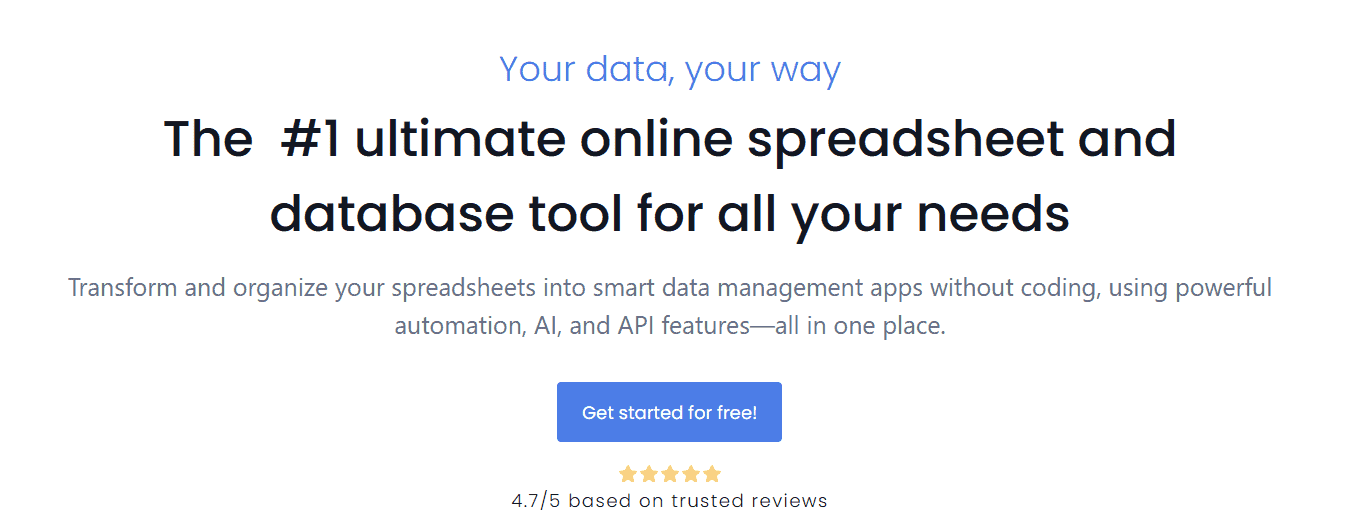
Retable is the best all-around online spreadsheet that does not require you to log in. It offers a clean interface with drag-and-drop table management, real-time collaboration, and quick CSV export. You can start entering data as soon as the page loads.
It feels similar to Google Sheets but without the extra steps. The tool supports light automation, form creation, and database-style views that make it perfect for temporary or shared projects.
Other great features:
- Real-time collaboration via shareable links
- Built-in CSV and XLSX export options
- Supports formulas and filters
- Customizable column types
- Fast and mobile-friendly interface
For more options like Retable, check out these 4 free spreadsheet tools.
2. EtherCalc – Best for Collaboration
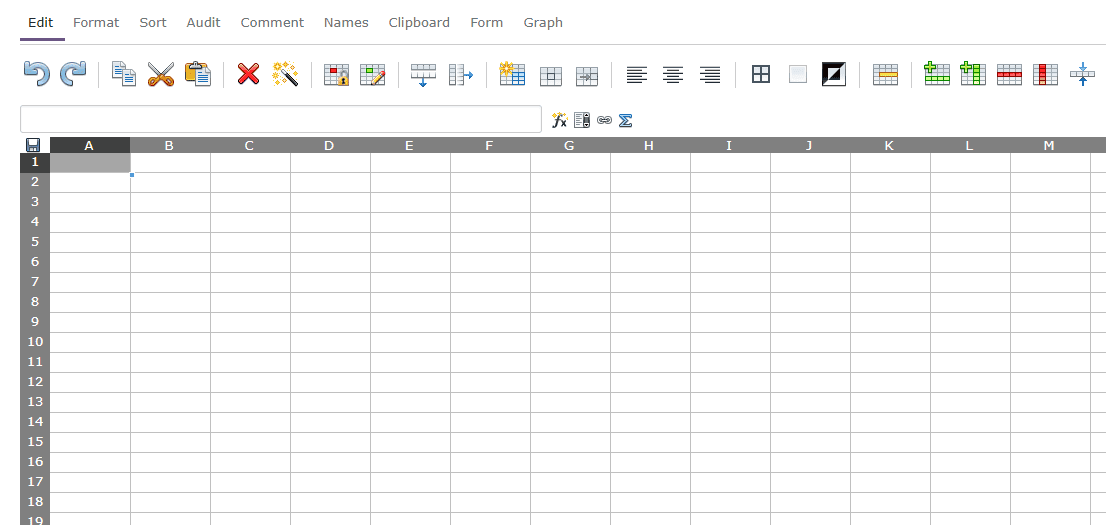
EtherCalc is an open-source spreadsheet tool that anyone can use directly in their browser. You simply create a new sheet, and it generates a unique URL you can share instantly with others. No accounts or downloads are needed.
It is simple but powerful, handling hundreds of rows without slowing down. Since it is open source, there are several public instances available online, and your data stays private unless you share the link.
Other great features:
- Open-source and community-supported
- Instant collaboration without accounts
- Basic formulas and formatting options
- Lightweight and fast loading
- Export as CSV or HTML
3. Zoho Sheet – Best Professional Interface

Zoho Sheet provides a professional Excel-style experience with a public “Guest” editing feature for temporary access. It includes advanced tools such as conditional formatting, data validation, and pivot tables.
You can later sign in to save your data permanently if needed. This flexibility makes Zoho Sheet perfect for users who need both quick, no-login editing and the option for long-term collaboration later.
Other great features:
- Excel-like layout and interface
- Supports charts and pivot tables
- Secure sharing links
- Real-time editing and comments
- Mobile app access available
If you want a full-featured experience similar to Excel, check our guide on the best Excel alternatives.
4. Collabora Online Demo – Best for Open-Source Office Fans
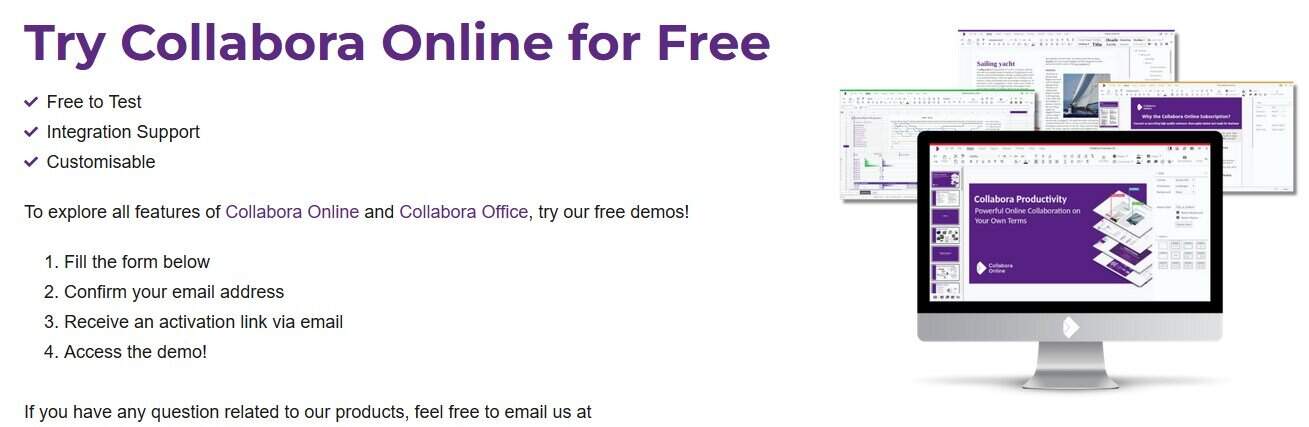
Collabora Online Demo allows you to use a LibreOffice-style spreadsheet directly in your browser without registration. The interface looks like traditional desktop office software, and you can upload or create new sheets easily.
It is ideal for quick edits or testing open-source office tools. Because it runs on LibreOffice technology, it supports advanced formulas and formatting options that are rare in other free tools.
Other great features:
- LibreOffice-based engine
- Handles XLS, ODS, and CSV formats
- Familiar interface similar to desktop Office
- Temporary data storage for session use
- Cross-platform and privacy-focused
5. OffiDocs Excel Online – Best for Excel File Compatibility

OffiDocs offers an in-browser Excel editor that does not require an account. You can upload your own spreadsheet or create one from scratch and start working immediately.
It is especially helpful for users who handle Excel files but do not have Microsoft Office installed. The platform is cloud-based, lightweight, and compatible with both desktop and mobile browsers.
Other great features:
- Works with XLS, XLSX, and CSV files
- Familiar Excel-style interface
- No download or sign-up required
- Free export and print options
- Compatible with Chrome, Edge, and Firefox
Comparison Table: Best Free No-Login Spreadsheet Tools
| Tool | Login Required | Collaboration | Export Options | Interface Type | Best For |
|---|---|---|---|---|---|
| Retable | No | Yes (shareable links) | CSV, XLSX | Modern web app | Overall use |
| EtherCalc | No | Yes (real time) | CSV, HTML | Basic spreadsheet | Instant teamwork |
| Zoho Sheet | Optional (Guest mode) | Yes | XLSX, PDF, CSV | Professional Excel-style | Professional projects |
| Collabora Online Demo | No | Limited | XLS, ODS, CSV | LibreOffice-style | Open-source users |
| OffiDocs Excel Online | No | Limited | XLS, XLSX, CSV | Excel-style interface | Excel compatibility |
FAQs
A no-login spreadsheet is a free online editor that lets you create and manage spreadsheets without creating an account or signing in.
They are safe for general or temporary use, but you should avoid storing confidential data since files may not be encrypted or backed up.
Yes, most tools provide a shareable link so others can view or edit your spreadsheet in real time.
Yes, all listed tools support basic formulas such as SUM, AVERAGE, and COUNT. Some also support more advanced functions.
Some tools save data temporarily. Always export or download your spreadsheet before closing the browser to avoid data loss.
Conclusion
If you need a quick and free spreadsheet without the hassle of creating an account, Retable and EtherCalc are the top picks. For users seeking a polished, Excel-like experience, Zoho Sheet is the best choice.
Collabora Online Demo and OffiDocs stand out for open-source fans and Excel compatibility. To explore even more spreadsheet software options, read our in-depth guide on free Excel tools for Windows 11.
No matter which one you choose, always export your data before closing your browser to ensure your work is safely stored.


Readers help support Windows Report. We may get a commission if you buy through our links.

Read our disclosure page to find out how can you help Windows Report sustain the editorial team. Read more